
Blocklist monitoring is crucial for ensuring your emails reach their destination. If your domain or IP ends up on a blocklist, your emails could bounce, land in spam folders, or go undelivered – hurting your reputation and business. Here’s a quick look at five tools designed to help you stay ahead:
- MailMonitor: Offers real-time alerts, monitoring across 400+ inboxes, and seamless integration with email systems.
- GlockApps: Provides instant notifications and is ideal for smaller-scale operations with a free 14-day trial.
- MxToolbox: Tracks over 100 DNS-based blocklists with API integration for streamlined workflows.
- ZeroBounce: Monitors 200+ blocklists and integrates with platforms like HubSpot, Mailchimp, and more.
- SparkPost: Delivers real-time updates and integrates with existing email systems for efficient monitoring.
Quick Comparison:
| Tool | Blocklist Coverage | Alerts | Integrations | Pricing |
|---|---|---|---|---|
| MailMonitor | Major blocklists, 400+ inboxes | Instant notifications | Full API access | Contact for pricing |
| GlockApps | 30+ blocklists | Email, dashboard | Basic API | Free trial available |
| MxToolbox | 100+ blocklists | Multi-channel alerts | Comprehensive API | ~$930/year |
| ZeroBounce | 200+ blocklists | Email alerts | Platforms like HubSpot | Contact for pricing |
| SparkPost | Major ISP blocklists | Email, dashboard | Robust API integration | Contact for pricing |
Each tool offers unique features to suit different needs. Whether you need comprehensive coverage, advanced integration, or simple monitoring, these solutions help safeguard your email deliverability.
How Do Email Deliverability Tools Handle Blacklist Monitoring and Real-Time Alerts?
Key Features to Look for in Blocklist Alert Tools
Choosing the right blocklist alert tool is all about ensuring quick detection and effective solutions. The right features can help you stay ahead of email deliverability challenges while protecting your sender reputation. Here are the key capabilities you should prioritize:
Real-time monitoring is a must-have. Your tool should send instant alerts whenever your domain or IP ends up on a blocklist. This allows you to act quickly, preventing small issues from turning into major problems.
Wide blacklist coverage is another critical feature. The tool should monitor a broad range of DNS-based blacklists (DNSBLs), reputation databases, and ISP-specific filtering systems. For instance, MxToolbox, highlighted in Nutshell‘s blog in July 2025, is a useful resource for checking deliverability, DMARC authentication, and blacklists [1]. The more lists your tool covers, the better equipped you’ll be to navigate various filtering systems.
Email authentication analysis is essential for verifying your credentials as a sender. Look for tools that help you analyze and configure DMARC, SPF, and DKIM records. These standards are vital for establishing your identity and improving email deliverability.
Spam content detection is another safeguard. Tools with spam checkers or "spamminess" scoring can flag risky content before it triggers spam filters. Some platforms even integrate scoring systems to help you refine your emails [1].
Detailed performance reporting is key to refining your email strategy. Metrics like bounce rates, delivery rates, inbox placement, open rates, click rates, engagement, and unsubscribe rates provide the insights you need to spot trends and measure the success of your efforts.
Automated list hygiene is crucial for maintaining a clean sender list. By automatically removing bounced addresses, these tools help prevent repeated emails to invalid addresses, reducing the risk of being flagged and blocklisted.
For U.S.-based businesses, compliance support is particularly important. A good tool will help ensure adherence to the CAN-SPAM Act, including clear sender identification, easy unsubscribe options, and accurate header information [1].
ISP-specific monitoring is a valuable feature for insights tailored to major U.S. internet service providers. Tools should offer guidance on how ISPs like Comcast evaluate sender reputation, as each provider has unique filtering criteria [1].
Combining these features gives you a strong defense against blocklist issues. While basic tools might eventually catch problems, professional-grade solutions with these capabilities ensure smooth deliverability and protect your reputation before issues arise. Check out the comparison table below for a detailed look at these features side by side.
1. MailMonitor

MailMonitor is a powerful platform designed to give you a clear view of your email deliverability. It provides real-time insights across your entire email infrastructure, monitoring deliverability and reputation across 400+ inboxes. This means you can see exactly how major ISPs and email providers handle your messages [2].
Real-time blocklist monitoring and alerts
MailMonitor continuously tracks domains and IP addresses for any new blacklist listings [3]. If a listing is detected, the platform immediately notifies you via email, so you can act quickly [3]. This rapid alert system helps you troubleshoot the issue and start the removal process before your campaigns face serious setbacks [3].
What’s more, MailMonitor’s deliverability analytics work behind the scenes, keeping tabs on your email health. By identifying potential threats early, the platform helps you prevent problems from spiraling out of control [2].
Coverage of major DNS-based blocklists (DNSBLs)
MailMonitor doesn’t just stop at basic blacklist checks. It monitors major DNS-based blocklists (DNSBLs) to see if your domains or IPs are flagged [3]. This is a key part of its sender reputation monitoring, which provides real-time tracking across hundreds of inboxes. The result? A full picture of how your emails are being received and whether your sender reputation is holding strong [2].
Integration options with email infrastructure
MailMonitor goes beyond alerts by integrating seamlessly with your email systems. Its Email APIs make it easy to incorporate email functionality into your existing applications [4]. These integrations allow you to send automated emails, pull user data, and track user actions securely [4].
For example, platforms like Brevo (formerly Sendinblue) work with MailMonitor to help businesses manage customer relationships through email, SMS, and chat. This includes features like marketing automation, email campaigns, transactional emails, and SMS messaging [4].
Customizable alert thresholds and notification channels
MailMonitor takes its alert system a step further by letting you customize it to fit your needs. You can set specific thresholds and decide how you’d like to receive notifications about deliverability issues. Whether it’s email notifications or other channels, you’re in control.
But MailMonitor isn’t just about alerts – it offers actionable tools to help you resolve problems quickly. From blocklist removal services to list optimization and ongoing consultation, the platform equips you with everything you need to maintain smooth email operations. With these features, you can ensure that every part of your email process runs without disruptions.
2. GlockApps
GlockApps provides instant blocklist alerts, helping businesses address email reputation challenges quickly and efficiently.
Real-time Blocklist Monitoring and Alerts
This tool keeps a close eye on your IP reputation, sending immediate notifications if it detects any blocklist issues. The Essential plan includes monitoring for one IP address[5], making it a suitable option for smaller-scale or limited email operations. Plus, you can explore its features with a free 14-day trial[5], giving you a chance to evaluate the service without commitment.
Its targeted monitoring capabilities make it a solid contender among the tools we’ll discuss further in this guide.
3. MxToolbox
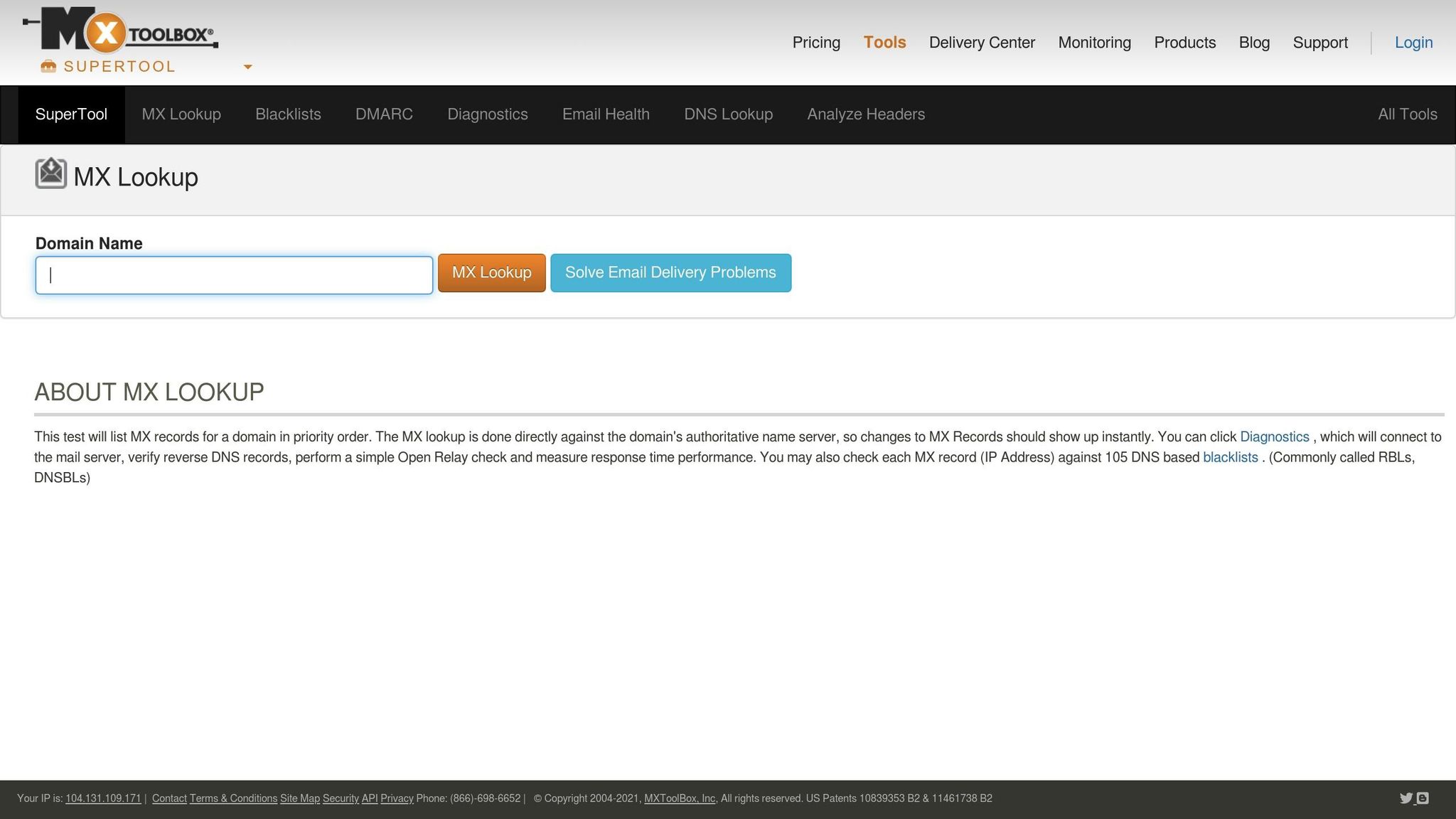
MxToolbox offers a robust solution for blocklist monitoring and API integration, making it a go-to tool for real-time alerts and smooth integration with other systems.
Monitoring Major DNS-based Blocklists (DNSBLs)
This tool keeps an eye on more than 100 DNS-based email blocklists (DNSBLs) [6][7]. Its monitoring capabilities cover several layers:
- IP Blacklist Monitoring: Tracks the blacklist status of each mail server IP address and the web server IP tied to the website’s A record.
- Domain Blacklist Monitoring: Ensures domains are not flagged on blocklists.
- Adaptive Blacklist Monitoring: Uses DMARC data within its Delivery Center for enhanced detection and reporting.
Seamless Integration with Email Systems
MxToolbox’s API integration makes it easier to access essential metrics like blacklist statuses, DNS health, and email server performance [8]. This allows businesses to integrate monitoring into their existing tools, dashboards, and workflows. The result? Automation, faster issue resolution, and scalability across various domains and systems.
For instance, the API can automate regular MX record checks and send real-time updates to platforms such as Slack [8].
sbb-itb-eece389
4. ZeroBounce
ZeroBounce offers robust blocklist monitoring through its Blacklist Monitoring service, designed to safeguard your sender reputation by addressing potential issues before they impact email deliverability. Here’s a closer look at what makes ZeroBounce stand out.
Coverage of Major DNS-based Blocklists (DNSBLs)
ZeroBounce’s system scans more than 200 blacklist providers and cross-references data with over 300 known IP and email blacklists[9][10][11][12]. It monitors both domains and IP addresses (IPv4/IPv6), ensuring comprehensive oversight of your email infrastructure[9][11]. While the exact number of monitored lists can vary, this wide-ranging coverage plays a critical role in protecting your sender reputation by keeping a close eye on key blocklists.
Integration Options with Email Infrastructure
In addition to its monitoring capabilities, ZeroBounce integrates smoothly with various platforms. Whether through official integrations, third-party tools, Zapier, or dedicated apps and add-ons, the platform supports bulk and real-time validation. It works with popular services like ActiveCampaign, BigCommerce, HubSpot, MailerLite, ConstantContact, and Mailchimp[13][14]. Users can schedule validation tasks, score email lists, and share cleaned lists across compatible platforms. This level of automation ensures efficient workflows and helps maintain consistent email hygiene throughout your marketing tools.
Real-time Blocklist Monitoring and Alerts
ZeroBounce keeps an active watch on your domains and IP addresses, providing real-time monitoring across its network. If a blocklist event occurs, the platform sends instant alerts, allowing you to take immediate action. This proactive feature is essential for protecting your sender reputation by addressing blocklist issues as soon as they arise.
5. SparkPost

SparkPost is a widely recognized email service provider that includes blocklist monitoring as part of its deliverability tools. Its alert system provides real-time updates, enabling businesses to respond quickly to any issues. By tracking major blocklists, SparkPost ensures users stay informed about their sender reputation.
The platform offers flexible notification options, such as email alerts and dashboard updates, so teams can choose how they want to receive blocklist information. Plus, its API integration makes it easy to connect with existing email systems and third-party tools.
With its efficient alerting and integration capabilities, SparkPost helps businesses stay on top of their email deliverability.
Feature Comparison Table
When deciding on the best blocklist monitoring tool for your business, a side-by-side comparison of key features can simplify the process. Below is a consolidated table to help you quickly evaluate the essential features of each tool.
| Feature | MailMonitor | GlockApps | MxToolbox | ZeroBounce | SparkPost |
|---|---|---|---|---|---|
| Blocklist Coverage | Major blocklists, including Symantec and Spamhaus [15][16] | 30+ major blocklists | 100+ blocklists and reputation databases | 400+ email validators and spam traps | Major ISP blocklists |
| Real-time Alerts | Instant notifications for blocklist changes [15] | Email and dashboard alerts | Multi-channel notifications | Email alerts | Email and dashboard updates |
| Alert Channels | Email, dashboard | Email, webhook | Email, SMS, API | Email, API integration | |
| ISP Monitoring | 90 B2B and B2C ISPs [15] | Major ISPs | ISP reputation tracking | ISP deliverability | ISP feedback loops |
| Authentication Tracking | DMARC, SPF, DKIM monitoring [15] | SPF, DKIM validation | DNS and authentication checks | Email authentication | DMARC reporting |
| Inbox Testing | 400+ real inboxes [2][15] | Seed testing | Limited testing | Deliverability testing | Inbox placement testing |
| Email Verification | 99% accurate list cleaning [15] | Basic verification | Domain validation | Advanced email validation | List hygiene tools |
| Reporting & Analytics | Comprehensive deliverability analytics [15] | Standard reporting | Detailed monitoring reports | Validation reports | Performance analytics |
| API Integration | Full API access | REST API | Comprehensive API | API available | Robust API integration |
| Managed Services | Expert-led optimization [2][15] | Self-service | Self-service with support | Self-service | Self-service |
| Pricing (USD) | Contact Sales | Contact for pricing | $930/year average [17] | Contact for pricing | Contact for pricing |
| Free Version | Not available | Limited free tier | Free Basic version [17] | Free credits available | Free developer account |
This table highlights the strengths of each tool, making it easier to identify the one that aligns with your needs.
MailMonitor stands out with its 400+ real inbox monitoring, expert-led support, and actionable alerts that improve inbox placement while keeping an eye on spam trap activity and ISP feedback. For businesses looking for transparency in pricing, MxToolbox provides a clear average cost of $930 per year.
Unlike tools that simply notify you of issues, MailMonitor combines real-time notifications, comprehensive API access, and expert-managed services, offering hands-on optimization for technical teams and businesses alike.
Conclusion
For U.S. businesses that rely on high email volumes, keeping an eye on blocklists isn’t optional – it’s essential. Just one blocklist placement can throw off email deliverability and hurt revenue, making quick detection and resolution a top priority.
Each tool we’ve discussed brings something different to the table. Some focus on thorough testing and validation, while others shine with their detailed monitoring and real-time feedback.
MailMonitor stands out by combining real-time alerts with actionable insights into deliverability. Its detailed ISP monitoring and robust inbox testing give businesses the clarity they need to maintain strong inbox placement. Plus, its managed services, led by experts, ensure that alerts are not only noticed but acted upon quickly to fix issues and prevent them from happening again.
When selecting a blocklist monitoring tool, look for features like real-time notifications, wide ISP coverage, and insights that help you take action – not just surface-level alerts. The right solution will help you address problems quickly, safeguard your sender reputation, and avoid the revenue losses that come with undelivered emails. Proactive monitoring paired with meaningful insights can make all the difference in keeping your email campaigns running smoothly.
FAQs
How can blocklist monitoring tools improve email deliverability and protect sender reputation?
Blocklist monitoring tools are essential for making sure your emails actually reach their recipients. These tools check if your domain or IP address has been flagged on blocklists, which can stop your emails from landing in inboxes and damage your sender reputation.
What makes these tools valuable is their ability to send real-time alerts. This means you can quickly identify and fix any issues, keeping your email campaigns on track. Addressing blocklist problems promptly not only helps preserve your standing with Internet Service Providers (ISPs) but also protects your email deliverability. Staying on top of blocklist monitoring is a smart way to keep your emails out of spam folders and maintain trust with your audience.
What key features should I look for in a blocklist status alert tool?
When selecting a blocklist status alert tool, prioritize features like real-time monitoring for your IPs and domains across various blocklists. Pair that with instant alerts to ensure you can address issues as soon as they arise, safeguarding your email deliverability.
Look for tools that offer detailed reporting dashboards to provide actionable insights, as well as the ability to track reputation changes on major blocklists. Additionally, ensure the tool can integrate smoothly with your current email systems. These features are key to maintaining strong email performance and avoiding interruptions in your communication.
Why is real-time monitoring important for handling blocklist issues, and how do these tools help?
Real-time monitoring plays a crucial role in managing blocklist issues, enabling you to spot and address problems before they harm your email deliverability. By identifying issues as they happen, you can act swiftly to safeguard your email reputation and ensure your messages continue to reach your audience.
These tools operate by constantly checking your blocklist status and sending instant alerts whenever there’s a change. This proactive method reduces downtime, speeds up issue resolution, and keeps your email campaigns on track without interruptions.

