
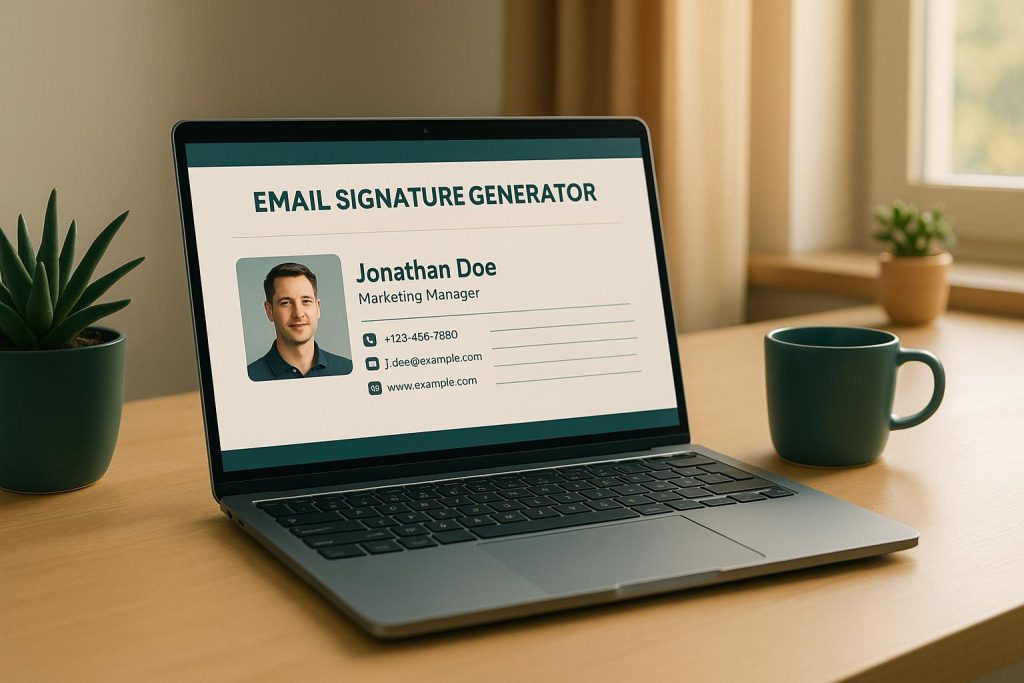
Create a Professional Email Signature with Ease
In today’s digital world, every email you send is a chance to make an impression. A well-crafted email signature acts like a virtual business card, showcasing your contact details, brand, and personality in one compact space. But designing one from scratch can feel daunting—especially if you’re not tech-savvy. That’s where a reliable email signature generator comes in, simplifying the process so you can focus on what matters: connecting with your audience.
Why Your Email Signature Matters
Think about how many emails you send daily. Each one is an opportunity to reinforce your professionalism or promote your business. A custom signature with your name, title, phone number, and even social media links can help recipients remember you and reach out easily. Plus, a polished design sets you apart from generic, text-only signatures that often get overlooked.
Customization Made Simple
With the right tool, building a standout signature doesn’t require design skills or coding knowledge. Choose from various styles—whether you prefer something sleek and minimal or bold and corporate—and personalize it to match your vibe. Add your website URL, tweak the colors, and preview the result instantly. Before you know it, you’ll have a professional touch ready to elevate every message you send.
FAQs
How do I add my email signature to Gmail or Outlook?
It’s super easy! Once you’ve generated your signature, click the ‘Copy to Clipboard’ button to grab the HTML code. For Gmail, go to Settings > General > Signature, paste the code in the editor, and save. For Outlook, head to File > Options > Mail > Signatures, paste it into the editor, and apply it to your emails. Our tool includes a step-by-step guide right below the generator if you need a visual walkthrough. It takes less than a minute!
Will my email signature look good on mobile devices?
Absolutely. We’ve designed our templates to be fully responsive, so your signature will look clean and professional whether it’s viewed on a desktop, tablet, or smartphone. During the preview stage, you can even toggle between device views to see how it renders. If something looks off, tweak the layout or font size until it’s just right.
Can I include social media icons in my signature?
Yes, you can! Our email signature generator lets you add links to platforms like LinkedIn, Twitter, Instagram, or any other site. Just paste the URLs into the optional fields, and we’ll format them with sleek icons that match your chosen template. It’s a great way to drive traffic to your profiles without cluttering up the design.

