
In email marketing, emojis in subject lines can boost visibility, open rates, and engagement. Research shows that using up to three emojis, when relevant, can significantly improve results. For example, a nail polish emoji in a Mother’s Day campaign increased open rates to 24% compared to 7% with a less relevant emoji. Emojis like 🚨 (urgency), 🎁 (promotions), and ❤️ (connection) work well when aligned with the email’s message. However, overusing emojis or choosing irrelevant ones can hurt deliverability and engagement. Testing, such as A/B testing and device previews, ensures emojis display correctly and resonate with your audience.
Key Takeaways:
- Why Emojis Work: They grab attention, convey emotion, and add urgency.
- Best Practices: Use up to 3 relevant emojis; avoid overloading subject lines.
- Testing Tools: Platforms like MailMonitor ensure proper rendering and inbox placement.
Emojis can transform plain subject lines into engaging, eye-catching messages – just use them wisely and test for success.
Do Emojis In Subject Line Trigger Spam? – TheEmailToolbox.com
Best Practices for Using Emojis in Subject Lines
Using emojis in subject lines can make your emails stand out, but it requires careful planning and testing to ensure they resonate with your audience and land in their inboxes.
How to Choose the Right Emojis
Picking the right emoji is all about aligning it with your email’s content and your brand’s tone. For instance, a calendar emoji (📅) is a natural fit for event reminders, while a gift emoji (🎁) works beautifully for promotions or special offers [1][2].
It’s also important to consider your audience’s preferences and how emojis are interpreted in different regions. Some emojis carry unique meanings depending on the cultural context, so choose ones that enhance your message instead of distracting from it [1][2]. For example, adding a shocked face (😱) to a subject line like "24 Hours: $10.95 TEES" can heighten urgency and energy [1].
Stay away from emojis that feel irrelevant or confusing. If you’re announcing a software update, a rocket emoji (🚀) can symbolize progress and innovation. But throwing in unrelated emojis might muddle your message and confuse readers.
Avoiding Overuse and Spam Triggers
When it comes to emojis, moderation is key. Studies show that using up to three well-chosen emojis can improve open rates, but overloading your subject line with them can hurt deliverability [2]. For example, a subject line like "💰💰💰💰Huge Discount Alert" might come off as spammy and could even trigger spam filters.
Instead of repeating the same emoji for emphasis, use a single, strategically placed one that complements your message. Keep an eye on metrics like open rates and spam complaints to fine-tune your approach and ensure you’re striking the right balance.
Once you’ve nailed down your emoji strategy, it’s crucial to test how they appear across different devices.
Testing Emoji Display Across Devices
Even after selecting and limiting your emojis, you need to confirm they display correctly on all devices and email platforms. Emojis can render differently depending on the device or email client. What looks vibrant and engaging on one screen might appear as a blank square or question mark on another. Preview your emails across platforms like iOS, Android, Windows, Mac, Gmail, Outlook, and Apple Mail to ensure consistency [4].
Basic emojis like hearts (❤️), clocks (⏰), or smiley faces tend to display reliably, while newer or more complex emojis may not be supported everywhere.
Tools like MailMonitor can help you identify potential display issues and assess deliverability before sending out your campaign. These tools allow you to see how your emoji-filled subject lines perform across various devices and email services, ensuring your message reaches your audience as intended.
For added security, consider creating fallback versions of your subject lines for email clients that don’t support certain emojis. This way, your message remains clear and impactful, no matter the technical limitations.
Popular Emojis and Their Use Cases
Building on the benefits of emojis, let’s dive into which ones work best in marketing and why. The right emoji can instantly communicate value, urgency, or emotion, making your message stand out in crowded inboxes. This breakdown of top-performing emojis will help you understand how to use them effectively in your campaigns.
Top Performing Emojis in Marketing Emails
Some emojis consistently deliver strong results, thanks to their ability to convey specific emotions or ideas quickly. For example:
- 🎁 (gift): Perfect for promotions, holiday deals, or rewards, this emoji taps into feelings of excitement and generosity.
- 🚨 (alert): Great for creating urgency, especially in flash sales or limited-time offers.
- ⏰ (timer): A natural fit for time-sensitive messages, reinforcing deadlines.
- ❤️ (love): Ideal for customer appreciation emails, adding warmth and connection.
Facial expression emojis like 😮 (surprise) and 😱 (screaming face) are excellent for sparking curiosity and excitement, thanks to their emotional clarity[1]. Other popular options include 💰 (money bag) for financial offers, 🎉 (celebration) for milestones, 📅 (calendar) for reminders, ✈️ (plane) for travel promotions, and 🍕 (pizza) for food-related campaigns.
The key is choosing emojis that directly relate to your product or message. Research suggests that relevant emojis can significantly boost open rates compared to generic ones[3]. Now, let’s explore how these emojis can be tailored to different campaign types.
Emoji Examples for Different Campaigns
Using the right emojis for specific campaigns can elevate your messaging and make your emails more engaging. Here’s how you can align emojis with different campaign goals:
- Black Friday and Cyber Monday: Subject lines like "Black Friday Sale 🚨" or "Cyber Monday Deals 💰" emphasize urgency and value.
- Holiday Campaigns: Seasonal emojis add a festive touch – think 🎄 for Christmas, 🎃 for Halloween, or 🦃 for Thanksgiving.
- Product Launches: Emojis like 🥰 or 😮 build excitement and anticipation. For tech launches, pairing 📱 with celebratory symbols can highlight innovation.
- Travel Deals: Icons like ✈️ and 🌴 evoke a sense of adventure and escape.
- Limited-Time Offers: Urgency-driven emojis like 😱 grab attention in subject lines such as "Only 6 Hours Left 😱 Final Sale."
Here’s a quick reference table for campaign-specific emoji strategies:
| Campaign Type | Recommended Emojis | Example Subject Line |
|---|---|---|
| Flash Sales | 🚨, ⏰, 😱 | "Flash Sale 🚨 50% Off!" |
| Holiday Promotions | 🎄, 🎃, 🦃, 🎁 | "Christmas Special 🎄 Free Shipping" |
| Product Launches | 🥰, 😮, 🎉, 📱 | "New Styles 🥰 Be the First!" |
| Travel Deals | ✈️, 🌴, 🏖️, 🗺️ | "Escape Winter ✈️ Tropical Deals" |
| Food & Dining | 🍕, 🍔, 🥗, 🍰 | "Fresh Menu 🍕 Healthy & Delicious" |
sbb-itb-eece389
Testing and Analyzing Emoji Performance
After choosing the right emojis for your campaigns, the real work begins: testing and analyzing their performance. This step is essential to ensure that these visual elements are improving your subject lines’ open rates and overall engagement. Without monitoring, you risk using emojis that might trigger spam filters or fail to display properly across devices.
Keep an eye on metrics like open rates, click-through rates, conversion rates, spam complaints, inbox placement, and overall engagement[5][6]. These numbers will reveal whether your emoji choices are boosting or hindering your email marketing efforts. A/B testing is a great way to refine these insights further.
A/B Testing for Emoji Subject Lines
A/B testing is one of the best methods for evaluating the effectiveness of emojis in subject lines. Here’s how it works: create two versions of your email – one with an emoji in the subject line and one without[1][2]. Send these versions to random segments of your audience and compare how they perform across key metrics.
For accurate results, ensure your sample size is large enough to be statistically meaningful. Keep everything else the same between the two versions – send time, email content, and design – so the only variable is the emoji in the subject line.
Testing often highlights how emoji relevance impacts performance. For instance, in a Mother’s Day campaign, a subject line featuring a nail polish emoji achieved a 24% open rate, while a less relevant woman emoji only managed a 7% open rate[3]. This stark difference underscores why it’s crucial to test specific emoji choices – not all emojis resonate equally, even within the same campaign.
Research also suggests that using up to three emojis works best[2]. However, you might find that your audience prefers a single, thoughtfully placed emoji over multiple ones.
Be cautious, though. Overusing emojis or selecting irrelevant ones can make your emails appear spammy, reducing deliverability and engagement[2][3].
Using MailMonitor for Deliverability Insights
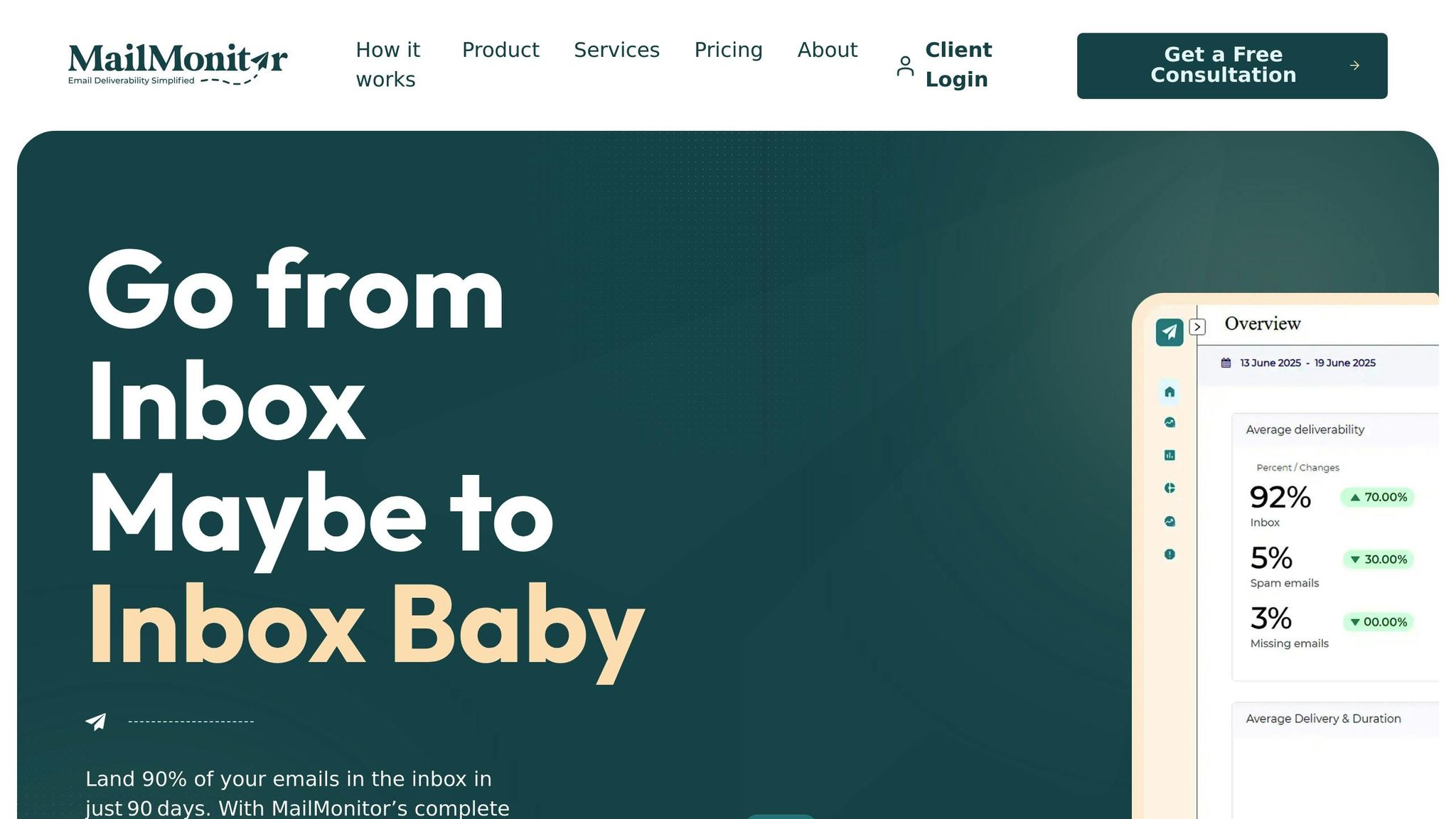
While A/B testing provides valuable engagement data, it doesn’t give the full picture of deliverability. This is where MailMonitor steps in, offering deeper insights to optimize your emoji-laden subject lines. The platform specializes in deliverability testing, inbox placement analysis, and emoji compatibility checks.
MailMonitor helps identify display issues, tests deliverability across 400 inboxes, and monitors your sender reputation in real time[8]. This means you can see whether your emoji subject lines are landing in inboxes, getting flagged as spam, or experiencing display problems across different email clients and devices.
The platform’s seed testing feature allows you to send test emails to controlled inboxes, providing a clear view of how emojis affect placement and rendering. Additionally, reputation monitoring can pinpoint whether your emoji usage is impacting your sender reputation[8].
"MailMonitor helps us identify and fix our spam issues. It’s like having a deliverability expert on our team." – Dan Westenskow, CEO, Fusion HCS[8]
MailMonitor’s deliverability analytics also offer a detailed audit of your email health, including how emojis in subject lines influence deliverability[8]. If problems arise, the platform provides remediation services and ongoing optimization to address and prevent issues before they hurt your campaigns[8].
For marketers looking to maximize emoji performance, combining A/B testing with MailMonitor’s deliverability tools gives you a complete view. This approach ensures you’re not only increasing engagement but also ensuring your emails actually reach your audience’s inbox.
Conclusion: Improving Subject Lines with Emojis
Emojis can make your emails stand out in crowded inboxes. When used thoughtfully, they not only grab attention but also boost open rates, express emotion, and bring personality to your brand’s messages. The key is finding the right balance between creativity and professionalism.
Research shows that 42% of subject lines now include emojis, with most using just one or two per line[7]. This trend highlights their effectiveness when used correctly. But success depends on aligning your emoji choices with your audience and testing rigorously to see what works.
Relevance and moderation are essential. For example, a nail polish emoji led to 24% open rates, compared to just 7% for a less relevant woman emoji[3]. This proves that the right emoji, matched to your message, can make a big difference. However, overdoing it can backfire. Studies suggest that up to three emojis may improve open rates, but most successful campaigns stick to one or two well-placed symbols[2][3].
Testing is the cornerstone of success. A/B testing helps you understand your audience’s preferences, while tools like MailMonitor ensure your emails land in inboxes, not spam folders. Testing across devices and email clients is equally important – an emoji that looks great on one platform might not display properly on another.
Key Takeaways for Marketers
- Match emojis to your audience and brand voice. For instance, a financial brand might use a money bag emoji 💰 for savings campaigns, while a travel company could use a palm tree 🌴 for vacation promotions[2]. Your choices should feel natural and reflect your brand’s tone.
- Test before you send. A/B testing can reveal which emojis drive engagement. Also, check how emojis appear across devices and email clients – what works on an iPhone might not display correctly on older Android devices or desktop email platforms.
- Track important metrics. Don’t just focus on open rates. Monitor click-through rates, conversions, and spam complaints. An emoji that boosts opens but increases spam complaints isn’t helping your campaign.
- Keep deliverability in focus. Even the most engaging subject line won’t matter if your email doesn’t reach the inbox. Pair creative emoji use with strong deliverability monitoring to ensure your emails perform as intended.
When used as part of a broader strategy that prioritizes relevance, testing, and optimization, emojis can turn ordinary subject lines into engaging invitations that drive meaningful results.
FAQs
How can I make sure emojis in my email subject lines display correctly on all devices and email clients?
To make sure emojis in your email subject lines display correctly across different devices and email clients, it’s crucial to test how they appear before hitting send. Emojis can render differently depending on the platform or client, so compatibility checks are a must.
Tools like MailMonitor can be incredibly helpful here. They allow you to test inbox placement and track performance, ensuring your emails – and the emojis within them – show up where they should and look exactly as intended.
How can I find out which emojis work best for my audience in email subject lines?
To figure out which emojis click with your audience, try experimenting with various ones in your email subject lines. Keep an eye on performance metrics like open rates, click-through rates, and overall engagement to pinpoint which emojis are making a difference. Tools like MailMonitor can be a game-changer, offering inbox placement testing and deliverability insights to make sure your emails land where they should. Stick to emojis that match your brand and message to get the most out of your efforts.
How can I use emojis in subject lines to boost engagement without affecting email deliverability?
To make the most out of emojis in your subject lines without risking deliverability issues, moderation is crucial. Avoid stuffing your subject lines with too many emojis, as this can trigger spam filters and turn off recipients. Instead, pick emojis that resonate with your message and fit the preferences of your audience.
Keeping an eye on your email performance is just as important. Tools like MailMonitor can assist in tracking inbox placement, maintaining your sender reputation, and spotting deliverability problems before they hurt your campaigns. By staying ahead of potential issues, you can use emojis to boost engagement while ensuring your emails land where they’re supposed to – your audience’s inbox.

