
Strengthen Email Security with a Custom DMARC Policy
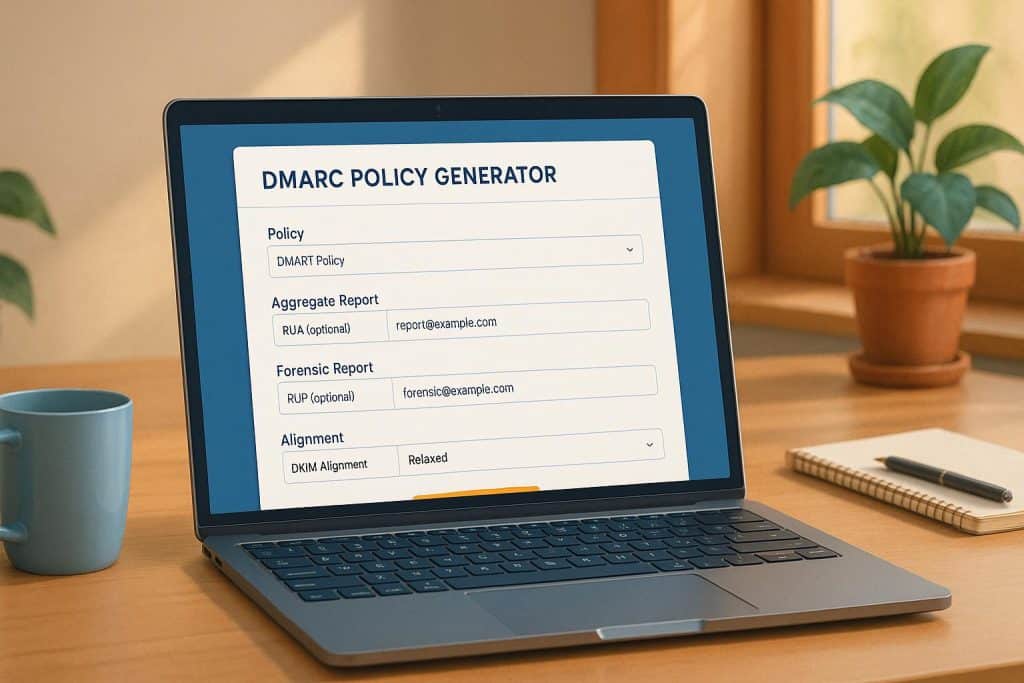
In today’s digital landscape, protecting your email domain is more critical than ever. Cybercriminals often exploit unprotected domains to send fraudulent emails, damaging your reputation and putting your customers at risk. That’s where a robust email authentication policy comes in. By setting up a tailored defense mechanism, you can stop spoofing and phishing attempts in their tracks. Our free tool simplifies this process, letting you generate a custom policy for your domain with just a few clicks.
Why Email Protection Matters
Imagine someone impersonating your business, sending out fake emails that trick people into sharing personal data. It’s a nightmare scenario, but sadly, it happens all the time. A well-configured policy acts as a shield, instructing email servers on how to handle messages that don’t pass authentication. Whether you’re a small business owner or managing a large organization, securing your domain should be a top priority. Beyond preventing fraud, it also builds trust with your audience, showing them you take their safety seriously.
Get Started Today
Don’t leave your domain vulnerable. Use our intuitive generator to create a policy that fits your needs, and take the first step toward a safer email environment.
FAQs
What exactly is a DMARC policy, and why do I need one?
A DMARC policy is like a security checkpoint for your email domain. It tells receiving servers what to do with emails that fail authentication checks—whether to let them through, quarantine them, or reject them outright. Without it, scammers can spoof your domain to send phishing emails, tricking people into sharing sensitive info. Setting up a policy helps protect your brand and your customers, and it’s a must if you care about email security. Our tool makes creating one super straightforward, even if you’re not tech-savvy.
How do I know which policy type to choose?
It depends on how strict you want to be. Start with ‘none’ if you’re just testing the waters—it won’t block anything but will give you reports on what’s happening. ‘Quarantine’ flags suspicious emails as spam, while ‘reject’ outright blocks them from reaching inboxes. If you’re new to this, I’d suggest starting with ‘none’ or ‘quarantine’ and ramping up to ‘reject’ once you’re confident your legit emails aren’t getting caught in the crossfire. You can always tweak it later with our generator.
Do I need a reporting email, and how do I set it up?
A reporting email isn’t mandatory, but it’s incredibly useful. It’s where you’ll get detailed feedback on how your DMARC policy is working—like which emails are failing and why. Just use an email address you control, maybe something like ‘[email protected].’ If you’re not sure how to create one, most email or hosting providers have simple guides for setting up a new address. Pop it into our tool, and we’ll include it in your policy record. If you skip this, you’ll still get a working policy, just without the insights.

