
In email marketing, sender reputation determines whether your emails reach inboxes or get flagged as spam. It’s influenced by behavioral factors – how recipients interact with your emails. If you ignore these, your deliverability and engagement rates can suffer.
Here’s what you need to know:
- Sender Reputation Basics: It’s like a trust score for your emails, based on two components:
- IP Reputation (linked to your email server).
- Domain Reputation (linked to your sending domain).
- Key Behavioral Factors:
- Engagement Metrics: High open and click rates improve your reputation.
- Complaint Rates: Spam reports harm your score.
- List Hygiene: Bounces and outdated contacts signal poor management.
- Spam Trap Hits: These indicate bad list practices and can lead to blacklisting.
- How Providers Evaluate Emails: Mailbox providers like Gmail assess engagement and technical setups (e.g., authentication protocols like DKIM and SPF) to decide where your emails go.
- Best Practices:
- Segment your lists and personalize content.
- Clean your email list regularly to remove invalid addresses and inactive users.
- Use tools like MailMonitor to track your sender reputation and inbox placement.
Takeaway: Managing behavioral factors is critical for keeping your emails out of spam folders. Focus on engagement, maintain clean lists, and monitor your reputation with tools to ensure long-term success in email marketing.
What Is Sender Reputation And How Does It Affect Transactional Emails? – TheEmailToolbox.com
Main Behavioral Factors That Affect Sender Reputation
When it comes to email deliverability, mailbox providers rely on a range of behavioral signals to decide whether your emails deserve a spot in the inbox or if they should be filtered out. Let’s break down the key factors at play.
Engagement Metrics
Engagement metrics are like a report card for your email campaigns – they show how much your recipients value your messages. Key indicators include open rates, click-through rates, replies, forwards, and even the time spent reading your emails.
Consistently high engagement sends a strong message to mailbox providers: your emails are relevant and worth delivering. This is especially true for interactions that occur shortly after delivery, which is why timing your emails strategically can make a big difference. On the flip side, low engagement or high complaint rates can hurt your reputation. Ultimately, strong engagement across your entire list signals that your targeting and content are hitting the mark.
Complaint Rates
Nothing damages your sender reputation faster than high complaint rates. If recipients mark your emails as spam, it’s a clear sign that your content isn’t meeting expectations – or worse, that they didn’t want your email in the first place.
Mailbox providers have zero tolerance for frequent complaints. Even a small spike can trigger increased scrutiny, and providers may react differently depending on their policies. Timing matters here too – a sudden surge in complaints, even at a low overall rate, can lead to immediate filtering. Keep in mind that not all spam reports are visible in your metrics, but they still impact your reputation.
List Hygiene and Bounce Rates
Keeping your email list clean is just as important as crafting engaging content. Sending emails to invalid or outdated addresses signals poor list management and can harm your reputation.
- Hard bounces happen when emails are sent to nonexistent addresses. High hard bounce rates are a red flag that your list may be outdated or poorly maintained.
- Soft bounces occur due to temporary issues, like a full inbox. However, if an address keeps soft bouncing, it’s a sign that it should probably be removed from your list.
Even valid but inactive subscribers can drag down your engagement rates, making your list appear less effective. Over time, these inactive addresses can become unreliable or even be converted into spam traps. Regularly cleaning your list and running re-engagement campaigns can help keep it healthy and active.
Spam Trap Hits
Spam traps are the ultimate test of your email practices. These are email addresses set up by anti-spam organizations or mailbox providers to catch senders with poor list management.
There are different types of spam traps to watch out for:
- Pristine spam traps: These have never been used by real people and exist solely to catch spammers.
- Recycled spam traps: These are old, inactive addresses that have been repurposed after long periods of inactivity.
- Typo traps: These result from common misspellings, often due to errors during data collection.
Hitting a spam trap can have serious consequences, from stricter filtering to outright blacklisting. To avoid this, focus on thorough list validation, regular hygiene practices, and ethical list-building methods. A little diligence goes a long way in protecting your reputation.
How Mailbox Providers Evaluate Behavioral Factors
To keep your emails landing in inboxes, it’s important to understand how mailbox providers assess behavioral factors. These providers rely on advanced algorithms to analyze a wide range of signals, helping them decide where your emails should go. Let’s take a closer look at how behavioral signals influence these filtering decisions.
Engagement-Based Filtering
Mailbox providers heavily rely on recipient engagement to determine email placement.
For example, Gmail uses "user engagement signals" to personalize email delivery. If a recipient regularly opens and clicks on your emails, Gmail is more likely to place future messages in their primary inbox. On the other hand, if that same recipient tends to ignore or delete your emails, Gmail may start routing them to the Promotions tab – or even the spam folder. This happens even if other recipients are actively engaging with your content.
Microsoft Outlook employs a similar approach with its SmartScreen technology. It evaluates how users interact with your emails, tracking actions like quick deletions, junk mail reports, and positive behaviors such as replies or forwards. These patterns feed into algorithms that shape the delivery of your future campaigns.
Timely engagement is a key factor. Positive actions like opens and clicks strengthen your sender reputation, while complaints or immediate deletions can harm it. This system operates on two levels: your overall sender reputation and individual recipient behavior. Even if your sender reputation is solid, engagement at the recipient level can override it. For instance, two recipients on the same domain might see your emails in different folders based on their unique interaction history.
Role of Sending Infrastructure
Your technical setup also plays a vital role in shaping your sender reputation, working hand-in-hand with behavioral factors.
Authentication protocols like DKIM, SPF, and DMARC help validate your emails, reinforcing positive engagement signals. When these measures are properly configured and your engagement metrics are strong, mailbox providers are more likely to trust your emails, even during reputation dips. On the flip side, missing or misconfigured authentication can undermine your deliverability, no matter how good your engagement is.
IP reputation is another critical element. Using a dedicated IP address ensures that mailbox providers can directly associate behavioral signals with your sending practices. Shared IP addresses, while cost-effective, can dilute the impact of your positive signals if other senders on the same IP engage in poor practices.
Domain reputation has become increasingly influential. Unlike IP addresses, which can be changed easily, domains carry a longer history. Mailbox providers look at how long a domain has been used for email marketing and its associated behavioral patterns. A strong domain reputation can speed up trust-building for new campaigns, while a poor history can slow down recovery efforts.
Reputation recovery, in particular, highlights the importance of infrastructure. Improvements in engagement and list hygiene work best when paired with strong authentication and a solid domain reputation. Without these technical foundations, even significant gains in engagement may take longer to translate into better inbox placement.
Finally, your infrastructure setup signals your technical reliability as a sender. Consistent sending patterns and correctly configured protocols show mailbox providers that you’re a credible sender. This credibility amplifies the impact of positive behavioral signals and makes your campaigns more resilient to temporary setbacks.
sbb-itb-eece389
Best Practices for Managing Behavioral Factors
Managing behavioral factors effectively takes a thoughtful approach. By focusing on small, strategic improvements, you can significantly enhance overall performance.
How to Improve Engagement
Segment your list based on engagement history to personalize communication. Subscribers who frequently open and click your emails should receive more regular updates, while those less active may benefit from re-engagement campaigns or fewer emails.
Time your emails for peak engagement periods using data from your platform. For B2B audiences, late mornings to early afternoons on Tuesday through Thursday tend to perform well. For consumer brands, early evenings often yield better results.
Craft subject lines that are concise, personalized, and avoid spam triggers. Keep them under 50 characters and go beyond just using a first name. Incorporate details like location, past purchases, or browsing habits to make them stand out.
Use dynamic content tailored to subscriber preferences. For example, if a subscriber frequently clicks on a specific product category, feature similar items in future emails to keep their interest.
Design mobile-friendly, single-column emails with clear fonts and touch-friendly buttons. With over 60% of emails now opened on mobile devices, ensure your emails display properly across all screen sizes.
How to Reduce Complaints and Unsubscribes
Be transparent about email content and frequency at signup. Letting subscribers know what to expect upfront helps prevent misunderstandings and reduces complaints.
Make it easy to unsubscribe. Place a clear unsubscribe link in your email footer and process requests immediately to avoid frustration.
Offer a preference center. Allow subscribers to adjust the frequency and type of emails they receive. This can help retain subscribers who might otherwise opt out entirely.
Keep an eye on complaint rates. Aim for a complaint rate below 0.1% (one complaint per 1,000 emails). Rates above 0.3% can lead to deliverability issues. If complaints spike, investigate the specific campaign or audience segment causing the problem.
Use double opt-in to confirm genuine interest. This extra step ensures subscribers truly want to hear from you, reducing the likelihood of future complaints.
How to Maintain List Hygiene
Remove hard bounces immediately. These are emails that can’t be delivered because the address no longer exists. Continuing to send to these addresses can hurt your sender reputation.
Re-engage inactive subscribers or remove them if they remain unresponsive. Segment inactive users by timeframes (e.g., 90, 180, or 365 days) and attempt to re-engage them. If they stay inactive, it’s better to remove them to protect your engagement rates.
Identify and eliminate spam traps or suspicious addresses. Watch for sudden inactivity or unusual patterns and remove these addresses to safeguard your sender reputation.
Verify new email addresses at sign-up. This helps catch typos, disposable emails, or problematic domains before they cause deliverability issues.
Analyze engagement by acquisition source. Understanding which sources produce active subscribers versus spam traps or inactive users helps you fine-tune your list-building efforts.
Automated tools can simplify these tasks, ensuring your list stays clean and your sender reputation remains intact.
Using Tools Like MailMonitor
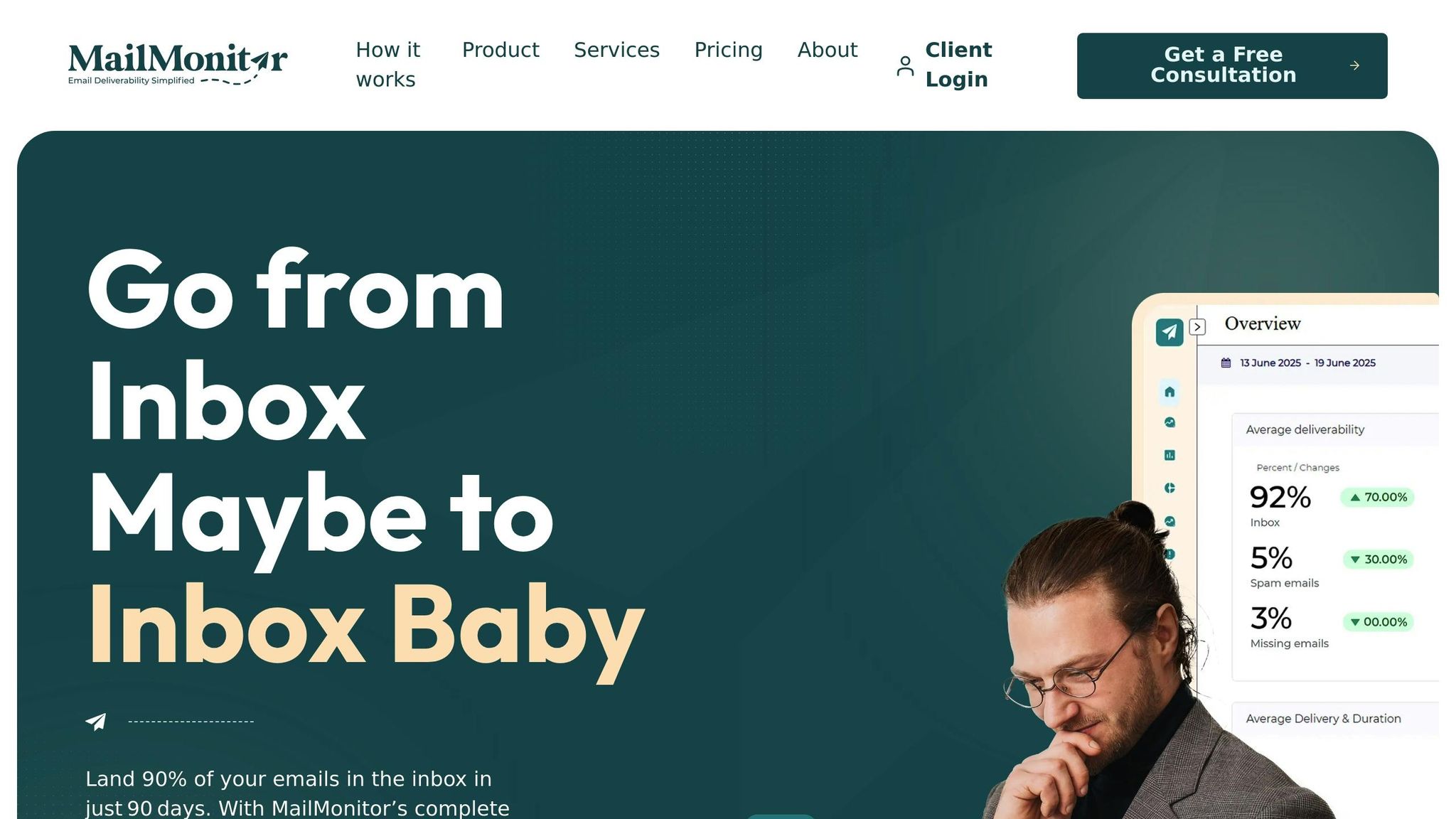
Leverage MailMonitor’s seed testing to track inbox placement. This helps you see if your engagement efforts are improving how often your emails land in inboxes instead of spam folders.
Monitor sender reputation with MailMonitor’s alerts. These alerts notify you of potential issues early, allowing you to address them before they impact your campaigns.
Use MailMonitor’s verification tools to maintain list quality. Proactively verifying addresses prevents issues before they arise, rather than cleaning up after problems occur.
Set up custom alerts for sudden changes in reputation or bounce rates. These alerts help you act quickly if behavioral factors start affecting email deliverability.
Implement DMARC with MailMonitor to strengthen technical reliability. Proper email authentication ensures your engagement efforts translate into consistent inbox placement.
How to Monitor and Measure Success
Keeping an eye on key behavioral metrics and setting up alerts can help you address potential issues before they impact your email deliverability.
Key Performance Indicators (KPIs)
Here are some important metrics to track:
- Open rates: These are primary indicators of engagement. Investigate any noticeable shifts.
- Unique and total clicks: These metrics reveal how well your content and CTAs are performing.
- Complaint rates: Keeping these low helps you avoid being flagged as spam.
- Bounce rates: Analyze both hard and soft bounces to uncover list quality or configuration problems.
- Spam trap hits: Address these immediately to protect your sender reputation.
- Unsubscribe rates: Use this data to fine-tune your email frequency and content.
Once you have these metrics in focus, the next step is leveraging tools that provide real-time insights.
Tools for Monitoring Reputation
Several tools can help you keep tabs on your email reputation and performance:
- MailMonitor’s seed testing: This feature lets you see where your emails land across major providers like Gmail, Yahoo, and Outlook, offering real-time inbox placement data.
- Reputation monitoring: MailMonitor tracks your IP and domain reputation scores. It continuously monitors your standing with ISPs and reputation services, sending alerts when something goes off track.
- Alert configurations: Set up notifications in MailMonitor to flag significant changes in your metrics.
- Email verification tools: MailMonitor can validate email addresses, identify spam traps, and flag risky domains, ensuring your list stays clean.
- DMARC implementation: Strengthen your email authentication with DMARC through MailMonitor, which enhances how ISPs evaluate your sending practices and boosts your sender reputation.
These tools provide actionable insights that can guide your next steps, as detailed in the reporting and alert setup process.
Setting Up Reporting and Alerts
Using real-time data effectively means creating a solid reporting and alert system to quickly address any changes in your sender reputation.
- Scorecards: Regularly review consolidated metrics like open rates, click-through rates, complaint rates, bounce rates, and reputation scores. This helps you identify trends and correlations.
- Tiered alert system: Set up immediate alerts for critical issues while scheduling regular updates for less urgent matters.
- Audience segmentation: Break down your subscriber base to spot engagement trends and tailor your strategies for different groups.
- Baseline metrics: Establish benchmarks during periods of smooth performance. These serve as a reference point to detect anomalies.
- ISP-specific reviews: Since Gmail, Yahoo, and Outlook may handle your emails differently, tracking performance by provider can reveal unique challenges.
- Response time tracking: Record how quickly you address issues to improve your incident management process.
Conclusion
Managing behavioral factors is crucial for building a strong sender reputation and ensuring your emails consistently reach your audience. This guide has covered how engagement, complaints, list hygiene, and spam trap hits all play a role in how mailbox providers evaluate your emails.
To succeed, you need to stay focused on your subscribers’ behavior and adapt your email strategy accordingly. By prioritizing relevant content that encourages engagement, keeping your lists clean, and minimizing complaints, you create a positive feedback loop that steadily improves your reputation. These efforts align with the best practices we’ve explored throughout this guide.
Regular monitoring is key to staying ahead of potential issues. Metrics like open rates, click-through rates, bounce rates, and complaint rates act as early warning signs, helping you spot and resolve problems before they affect your deliverability. Tracking these indicators allows you to make informed, data-driven adjustments to protect and enhance your sender reputation.
MailMonitor’s deliverability tools can be a valuable asset in this process. Its analytics provide actionable insights to help identify and address spam-related challenges [1]. By actively monitoring and fine-tuning your email health, MailMonitor helps pinpoint the factors that determine whether your emails land in the inbox or end up in the spam folder [2].
Improving targeting, refining content, and maintaining list hygiene all work together to boost deliverability. For example, reducing complaints through better targeting and more relevant content often leads to higher engagement. Similarly, keeping your lists clean reduces bounce rates and spam trap hits, contributing to stronger overall performance.
As mailbox providers continue to evolve their evaluation methods, following the best practices outlined in this guide and using reliable tools like MailMonitor will help you maintain a strong sender reputation. By consistently refining your strategies and leveraging these insights, you set yourself up for long-term success in email marketing.
FAQs
How can I fix my sender reputation after hitting spam traps?
If spam traps are causing you trouble, fixing your sender reputation should be your top priority. Start by pausing emails to problematic addresses and giving your email list a thorough cleanup. This means removing inactive, invalid, or bouncing addresses to avoid further complications.
Leverage email verification tools to keep your list accurate, and consider using permission-based practices like double opt-in to create a reliable subscriber base. Rebuilding trust with mailbox providers takes time, so gradually increase your email sending volume. To maintain a solid sender reputation, focus on sending content that’s relevant and valuable to your audience while steering clear of spam traps.
How can I improve email engagement metrics like open and click-through rates?
To improve email engagement metrics like open rates and click-through rates, start with personalization. Craft subject lines and content that align with the recipient’s preferences and behaviors. This approach makes your emails feel more relevant and engaging.
Another key tactic is segmenting your email list. By grouping your audience based on factors such as interests, demographics, or previous interactions, you can create targeted messages that resonate with each group. Timing also plays a crucial role – sending emails when your audience is most likely to check their inbox can make a big difference in how many people open and engage with your messages.
Don’t forget the basics: use attention-grabbing subject lines, include clear calls to action, and keep your email list clean by regularly removing inactive or invalid addresses. These steps not only improve engagement but also help maintain a strong sender reputation.
Why is maintaining list hygiene essential, and how often should I clean my email list to protect my sender reputation?
Maintaining a clean email list is key to protecting your sender reputation and ensuring your messages actually land in inboxes. Regularly scrubbing your list helps weed out invalid, bounced, or inactive email addresses. This not only reduces bounce rates but also cuts down on spam complaints and improves overall engagement – factors that keep you in good standing with email providers like Gmail and Yahoo.
To keep things running smoothly, aim to clean your list at least every six months. If you’re sending a high volume of emails or notice engagement starting to dip, consider stepping it up to every 2–3 months. Staying consistent with list hygiene doesn’t just improve deliverability – it also ensures your email campaigns perform at their best.

