

Email authentication is critical for ensuring your messages are trusted and delivered. Without proper setup, your emails risk being flagged as spam or rejected entirely, hurting your sender reputation and business operations.
Here’s the key takeaway: SPF, DKIM, and DMARC are three protocols that work together to protect your domain and improve email deliverability. Each plays a unique role:
- SPF: Verifies that only authorized servers can send emails on behalf of your domain.
- DKIM: Ensures the email content hasn’t been altered by adding a digital signature.
- DMARC: Aligns SPF and DKIM with your domain and provides policies to handle failed authentication.
When implemented together, these protocols reduce email fraud by up to 99% and improve inbox placement rates by 10–20%. They also protect against phishing attacks, which account for over 90% of email-based cybercrimes.
Quick Overview:
- SPF: Focuses on sender IP authorization.
- DKIM: Confirms message integrity.
- DMARC: Enforces domain alignment and provides reporting.
Why it matters: A strong sender reputation ensures your emails reach inboxes, not spam folders. Businesses that properly configure SPF, DKIM, and DMARC not only boost security but also see measurable improvements in customer engagement and trust.
Next steps: Learn how these protocols work together, common mistakes to avoid, and how tools like MailMonitor simplify email authentication and reputation management.
NEW EMAIL REQUIREMENTS – Watch if you have your own domain (SPF, DKIM, and DMARC)
Understanding SPF, DKIM, and DMARC Protocols
Let’s break down the roles and limitations of SPF, DKIM, and DMARC, three key email authentication protocols.
SPF: Sender Policy Framework
SPF works by allowing domain owners to publish a DNS TXT record that lists which mail servers are authorized to send emails on their behalf. When a receiving mail server gets an email, it checks the sending server’s IP address against this list to confirm whether the sender is legitimate.
Here’s how it works: the receiving server compares the sending server’s IP address to the records in the domain’s DNS. If the IP matches, the email passes SPF authentication. If it doesn’t, the email may be flagged as spam or rejected altogether.
Limitation: SPF only checks the Return-Path address (the technical sender), not the visible "From" address that users see. This means attackers can still spoof the visible sender name while using a different domain for the actual email.
While SPF focuses on verifying sender IPs, DKIM ensures the integrity of the message itself.
DKIM: DomainKeys Identified Mail
DKIM adds a layer of security by attaching a cryptographic signature to each email. This signature helps confirm both the sender’s identity and that the email content hasn’t been tampered with during transit. When the email reaches its destination, the receiving server retrieves the public key from the sender’s DNS records to validate the signature. If the signature matches, it confirms the message’s integrity and the sender’s authenticity.
One advantage of DKIM is that its signatures remain valid even if the email is forwarded, making it more reliable in scenarios where SPF might fail.
Limitation: The domain used for the DKIM signature doesn’t always match the visible "From" address. This means that even legitimate signatures can be used in deceptive emails.
With SPF and DKIM handling specific aspects of authentication, DMARC ties everything together by enforcing domain alignment and providing actionable insights.
DMARC: Domain-based Message Authentication, Reporting, and Conformance
DMARC builds on SPF and DKIM by requiring alignment between the authenticated domains (via SPF/DKIM) and the visible "From" address. This ensures that the email genuinely originates from the domain it claims to represent.
DMARC also allows domain owners to specify how emails that fail authentication should be handled. They can choose from three policies: none (monitor only), quarantine (flag as spam), or reject (block entirely). Additionally, DMARC provides detailed reports on authentication results, helping domain owners identify unauthorized use of their domain.
| Protocol | Key Role | Verification Target | Key Limitation |
|---|---|---|---|
| SPF | Server Authorization | Sending IP address matches authorized list | Only checks Return-Path, not visible "From" address |
| DKIM | Message Integrity | Content hasn’t been altered; confirms sender identity | Signing domain may not match visible sender |
| DMARC | Policy Enforcement | Domain alignment between SPF/DKIM and "From" address | Requires SPF/DKIM setup; can fail with message forwarding |
The FBI reports that Business Email Compromise (BEC) scams have caused $55 billion in global losses, underscoring the importance of these protocols in protecting organizations from email fraud [6]. Together, SPF, DKIM, and DMARC address different vulnerabilities, and using all three provides the strongest defense against email-based attacks.
How SPF, DKIM, and DMARC Improve Sender Reputation
When used together, SPF, DKIM, and DMARC form a powerful defense against email abuse. They help establish trust in your domain, ensuring your messages are more likely to land in recipients’ inboxes instead of being flagged as spam.
Multi-Layer Authentication Approach
Each protocol plays a specific role in securing email communications:
- SPF (Sender Policy Framework) verifies that the servers sending emails on behalf of your domain are authorized to do so.
- DKIM (DomainKeys Identified Mail) ensures the integrity of your emails by adding a cryptographic signature.
- DMARC (Domain-based Message Authentication, Reporting, and Conformance) ties everything together by requiring alignment between the "From" address and the authenticated domain while ensuring either SPF or DKIM validation.
Together, these protocols address different vulnerabilities, creating a layered security approach. DMARC, in particular, ensures that emails failing SPF or DKIM checks aren’t trusted unless they meet alignment rules. This combination sends a strong signal of trust to major providers like Google and Microsoft, which use these protocols to determine whether to deliver emails to the inbox or filter them as spam. The result? Better security and improved email delivery rates.
Impact on Email Delivery and Reputation
Adopting SPF, DKIM, and DMARC can lead to noticeable improvements in email performance. For example, a U.S.-based e-commerce company saw its inbox placement rate increase from 75% to over 90% within three months after enforcing a DMARC reject policy[1][3]. This not only restored customer confidence but also boosted engagement with their emails.
Beyond better delivery rates, these protocols protect your domain from being misused by cybercriminals. When your emails are authenticated, recipients and email providers are more likely to trust your messages, which strengthens your sender reputation.
Risks of Poor or Missing Authentication
Failing to implement or properly configure these protocols leaves your emails vulnerable to spoofing and phishing attacks. Without these safeguards, your messages are more likely to be flagged as spam, damaging both your deliverability and reputation.
When attackers exploit these vulnerabilities, email providers may begin to distrust all messages from your domain – even legitimate ones. As a result, your emails might never reach your audience, impacting your communication and business goals.
Email authentication is no longer optional for businesses aiming to maintain credibility. By 2024, over 60% of major U.S. companies are expected to have implemented DMARC, a significant increase from 40% in 2021[5]. Domains lacking these protections are increasingly seen as unreliable, making proper authentication a critical step for staying competitive in the email landscape.
sbb-itb-eece389
Best Practices for SPF, DKIM, and DMARC Implementation
Getting your email authentication right from the start is crucial. It not only ensures smooth email deliverability but also shields your domain from potential misuse by cybercriminals. Proper planning and regular updates are the foundation of a secure and reliable email system.
Setting Up SPF, DKIM, and DMARC
Start by identifying every system that sends email on your behalf. This includes your primary server, marketing tools, CRM platforms, and any third-party services. Missing even one legitimate sender can lead to authentication failures.
- SPF: Create an SPF TXT record in your DNS that lists all authorized IPs. Use a strict mechanism like
"-all"to block unauthorized senders. - DKIM: Generate a key pair for DKIM and publish the public key in your DNS. This allows receiving servers to verify your email signatures. Most email providers handle the signing process automatically once the public key is set up.
- DMARC: Start with a DMARC policy set to "none" (e.g.,
v=DMARC1; p=none; rua=mailto:[email protected];). This helps you collect data and troubleshoot configuration issues before enforcing stricter policies.
Make sure the "From" header domain matches your SPF or DKIM domain to avoid alignment issues. Once everything is set up, regular monitoring and updates are essential to keep your authentication running smoothly.
Monitoring and Updating Policies
DMARC reports are a goldmine of information. These XML-based reports show which emails pass or fail authentication and can help you identify unauthorized senders attempting to spoof your domain.
To stay on top of things, schedule weekly reviews (using the MM/DD/YYYY format) to track trends and detect any new email sources that need authorization. This is especially useful for spotting overlooked systems, like legacy notifications or third-party tools.
As your email setup evolves – whether you’re adding a new marketing platform or switching email providers – update your DNS records immediately. Document changes with timestamps and maintain a detailed inventory of authorized senders. This practice ensures updates are quick and accurate.
MailMonitor’s deliverability experts simplify this process with weekly check-ins and real-time analytics. Dan Westenskow, CEO of Fusion HCS, shares: "MailMonitor helps us identify and fix our spam issues. It’s like having a deliverability expert on our team. The weekly check-in calls allow us to take feedback, implement it, and then follow up the next week with additional items to clarify or get help with."
Monitoring alone isn’t enough – you’ll want to avoid common pitfalls that can undermine your setup.
Common Configuration Mistakes to Avoid
1. Incomplete SPF Records
Overlooking certain email sources – like new integrations or seasonal campaigns – creates gaps in your SPF coverage. Always maintain a complete list of systems authorized to send email on your behalf.
2. Overly Restrictive DMARC Policies
Jumping straight to a "reject" policy without proper testing can block legitimate emails. Begin with "none" for monitoring, progress to "quarantine", and only move to "reject" once you’re confident all legitimate sources are authenticated.
3. Outdated DKIM Keys
If your email provider rotates DKIM keys without notifying you, it can cause authentication failures. Regularly check your DKIM status and coordinate with your provider to ensure smooth key transitions.
To manage these complexities, many businesses rely on specialized platforms.
Nathan Merryfield, Director of Marketing at hubXchange, says: "MailMonitor’s software is easy enough to understand for a beginner with little knowledge of email placement. But what sets them apart is their hands-on support to maximize our deliverability."
Using MailMonitor for Email Authentication and Reputation Management
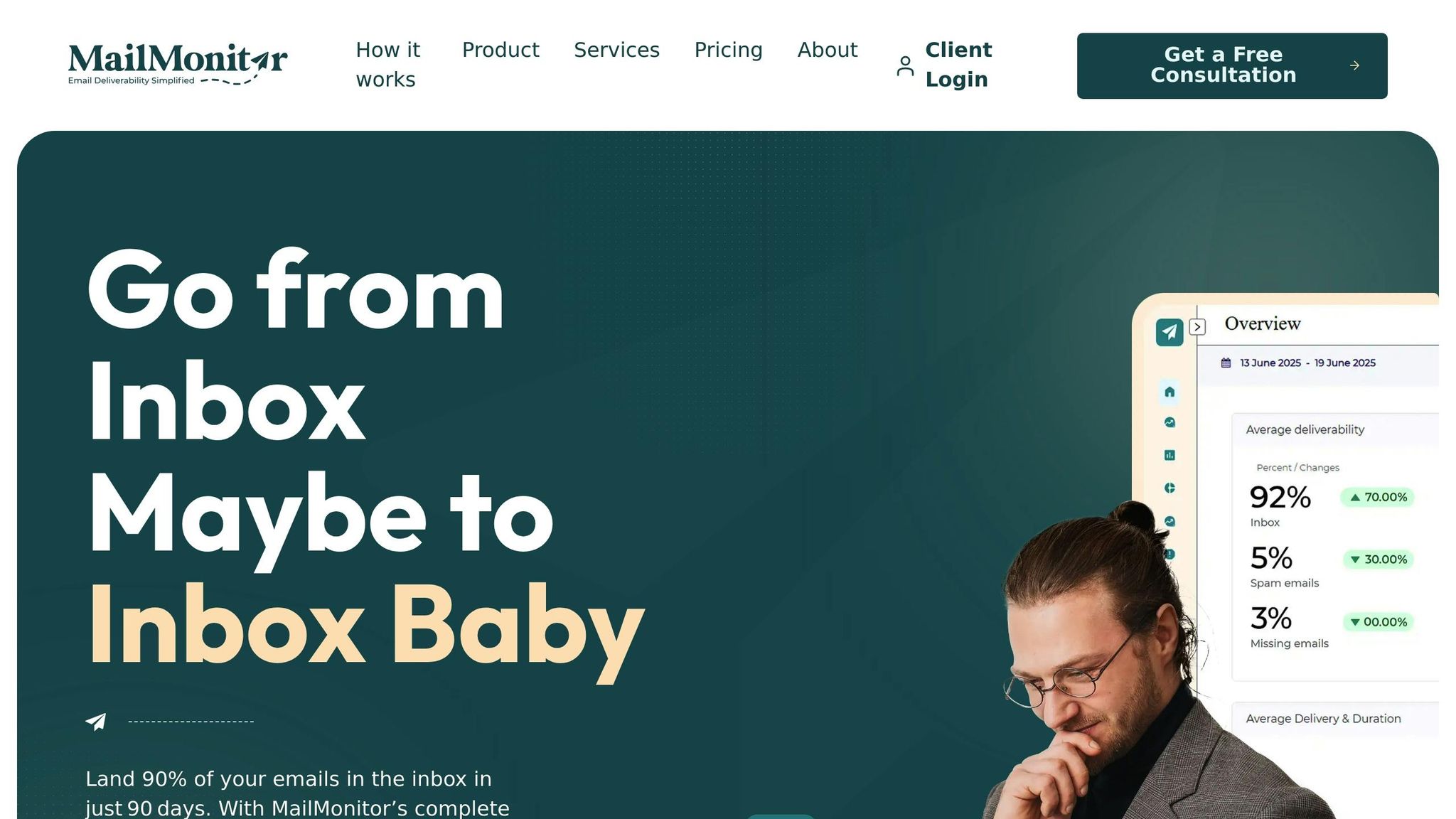
MailMonitor offers a straightforward way to handle the often-complicated tasks of email authentication and reputation management. When you’re juggling SPF, DKIM, and DMARC protocols across multiple systems and third-party tools, things can get messy. MailMonitor simplifies the process by combining authentication monitoring, reputation tracking, and deliverability tools into one platform.
MailMonitor’s Approach to Email Authentication
MailMonitor tackles email authentication with a clear three-step method: Audit, Remediation, and Optimization.
In the Audit phase, the platform provides an in-depth look at your email health using detailed deliverability analytics. It doesn’t stop at surface-level checks; MailMonitor analyzes emails across more than 400 real inboxes to give you a full view of how your authentication setup is performing.
One standout feature is its inbox placement testing. By sending test emails to seed addresses from major US providers like Gmail, Yahoo, Outlook, and AOL, MailMonitor helps you see exactly where your messages land – whether it’s the inbox, spam, or promotions folder. This approach uncovers authentication issues that might not show up in DNS records alone.
MailMonitor also streamlines DMARC management. Its tools consolidate authentication results, inbox placement data, and sender reputation into easy-to-read dashboards. If your DMARC failure rate spikes, the platform identifies the problematic sources and offers actionable solutions, helping you make informed adjustments.
Reputation Management with MailMonitor
When it comes to fixing problems, MailMonitor excels during the Remediation phase. Their experts create tailored action plans to resolve authentication failures, sparing you the headache of interpreting complex DMARC reports.
The platform’s real-time monitoring ensures you catch issues early. With continuous reputation tracking, MailMonitor alerts you to changes that could harm your sender score. Their goal? To help you get 90% of your emails into inboxes within 90 days[7].
Here’s an example: A mid-sized US e-commerce company noticed a drop in open rates due to emails being flagged as spam. After using MailMonitor, they discovered misconfigured DKIM records and inconsistent DMARC policies. With MailMonitor’s guidance, they fixed these issues, achieving a 30% boost in inbox placement and a noticeable improvement in sender reputation – all within two months[7].
In the Optimization phase, MailMonitor keeps a close eye on your email health, addressing potential problems before they affect your campaigns. This proactive approach ensures your authentication setup stays strong as your email infrastructure evolves.
Tailored for US Business Needs
MailMonitor doesn’t just handle the technical side – it’s built with US businesses in mind. The platform aligns with American email standards, offering localized compliance support and reports tailored to US requirements. For instance, it uses the MM/DD/YYYY date format, US dollar symbols, and clear, actionable language that fits American business practices. It even includes compliance checklists to help you meet regulations like CAN-SPAM.
MailMonitor’s seed testing network is specifically designed to reflect the filtering behaviors of major US email providers. The platform stays updated on changes in spam filtering criteria, provider policies, and regional compliance standards, ensuring American companies get accurate insights to improve their inbox placement.
For businesses without dedicated deliverability teams, MailMonitor’s managed services are a game-changer. It provides integration support with major US ISPs, making authentication management simpler and more efficient.
Building Strong Sender Reputation Through Email Authentication
Establishing a solid sender reputation is all about proving you’re trustworthy before your emails even land in someone’s inbox. Think of SPF, DKIM, and DMARC as your digital ID badges – they work together to show email providers that you’re legitimate and that your messages deserve to be delivered.
Using all three protocols isn’t just a technical recommendation; it’s a game-changer. Organizations that implement SPF, DKIM, and DMARC see a 30–40% drop in phishing and spoofing incidents compared to those relying on just one or two methods[3]. This not only keeps your brand safe but also improves deliverability and boosts engagement rates, directly benefiting your business.
These protocols each play a unique role: they verify your identity, ensure the integrity of your messages, and enforce alignment between your email and domain. Together, they build a stronger reputation with major US providers like Gmail, Yahoo, and Outlook.
This is particularly critical for US businesses right now. Starting in 2024, Google and Microsoft will require DMARC for bulk senders, with non-compliance leading to serious deliverability penalties[2]. Considering that over 90% of cyberattacks begin with email[4], proper authentication isn’t just about inbox placement – it’s about protecting your business and your customers. These new requirements highlight the real-world benefits seen by organizations that fully adopt these protocols.
DMARC reports add another layer of protection by identifying and blocking unauthorized senders, helping safeguard your brand from abuse.
But setting up authentication isn’t a one-and-done task. It demands ongoing attention. Regularly monitoring and updating your setup ensures that changes – like new sending domains, third-party services, or updated security policies – don’t disrupt your email configuration.
"MailMonitor tracks and fine-tunes your email health to counter threats before they impact campaigns." – MailMonitor[7]
While the technical side of email authentication can feel overwhelming, tools like MailMonitor make it easier. They offer automated monitoring, real-time reputation tracking, and actionable insights tailored specifically for US businesses. By staying proactive, you can tackle authentication issues before they affect your campaigns.
Maintaining a strong sender reputation requires consistent effort. Analyzing DMARC reports, updating authentication records, and keeping a close eye on your reputation are all essential to ensuring your emails consistently reach inboxes as your business grows. Companies that treat authentication as a priority – not an afterthought – consistently outperform their competitors.
In today’s email landscape, proper authentication isn’t just a nice-to-have; it’s a must. Whether you’re sending marketing emails, transactional updates, or customer communications, SPF, DKIM, and DMARC are the foundation that determines whether your messages land in inboxes or get lost in spam folders.
FAQs
What roles do SPF, DKIM, and DMARC play in improving email deliverability and sender reputation?
Email authentication protocols like SPF, DKIM, and DMARC work hand in hand to verify your emails and safeguard your domain from spoofing attempts. These measures not only protect your brand but also help email providers see your messages as reliable, improving your sender reputation and email deliverability.
- SPF (Sender Policy Framework) ensures that only authorized servers can send emails on behalf of your domain.
- DKIM (DomainKeys Identified Mail) adds a digital signature to your emails, confirming their integrity and proving they haven’t been altered.
- DMARC (Domain-based Message Authentication, Reporting, and Conformance) combines SPF and DKIM, providing a policy framework to address unauthorized emails and giving you control over how they’re handled.
When implemented together, these protocols create a strong barrier against spam and phishing attacks, increasing the likelihood that your emails reach the intended inbox.
What are the most common mistakes to avoid when setting up SPF, DKIM, and DMARC for email authentication?
When configuring SPF, DKIM, and DMARC, even small mistakes can hurt your email deliverability. Here are some common pitfalls to avoid:
- Misconfigured DNS records: Double-check that SPF, DKIM, and DMARC records are correctly added to your DNS settings. Even minor typos or formatting issues can make them useless.
- Jumping to strict policies too quickly: Start with a DMARC policy set to ‘none’ to monitor email flows. Once you’re confident everything is working smoothly, you can move to stricter policies like ‘quarantine’ or ‘reject.’
- Protocol misalignment: Make sure SPF, DKIM, and DMARC are properly aligned with your sending domain. Without alignment, emails may fail authentication.
To keep your email authentication effective, regularly review and monitor your setup to catch issues before they impact deliverability.
Why should businesses regularly review and update their email authentication protocols?
Keeping your email authentication protocols up-to-date is essential because email security standards and spam filters never stay the same. If you neglect updates, your emails could fall short of current requirements, leading to a higher chance of being flagged as spam – or worse, not delivered at all.
By actively managing protocols like SPF, DKIM, and DMARC, you safeguard your sender reputation, improve the chances of your emails reaching inboxes, and strengthen trust with your audience. Regular updates to these protocols are a key part of any effective email strategy.

