

Can’t get your emails through? Using a third-party whitelist might fix that. It helps your emails skip past spam blockers and into the inbox, making them more likely to be seen and read. Here’s what you should know:
- What it is: A third-party whitelist lets outside services back up how safe your emails are, so email providers like Gmail or Yahoo see your emails as trustworthy.
- Why it matters: U.S. companies have to deal with tough spam filters and strict anti-spam laws like CAN-SPAM. Bad inbox placement can cause low open rates (less than 3% in spam) and legal troubles.
- How it works: These services check your email setup (SPF, DKIM, DMARC), keep lists of okay senders, and watch your reputation to keep your emails landing in the inbox.
- Benefits: You get better email delivery, less spam trouble, and more customer interest with higher open and click rates.
Want to up your email game? Keep reading for a step-by-step guide on setting things up and tools like MailMonitor that make it easier.
How Do I Get Whitelisted By Email Providers? – TheEmailToolbox.com
How Third-Party Whitelisting Services Work
Third-party whitelisting services help check and back real email senders. They act between you and big email groups to help your emails get the right inbox. They use tech rules and keep track of reputations to do this.
The work starts with a full check of how you send emails, if your domain is real, and if your email content is good. Once you pass, these services keep your good sender name with many email groups. This means you don’t have to ask each one to put you on a whitelist. Let’s look closer at how these tech parts work.
Basic Tech of Whitelisting
Key tech rules hold up third-party whitelisting services. Three main rules – SPF, DKIM, and DMARC – check you are who you say you are when you send emails.
- SPF: This rule makes a list of IPs that can send emails for you, helping email groups spot real emails.
- DKIM: Think of this as a secret mark on your emails. It uses secret keys to show your email is really from your domain and was not changed when sent.
- DMARC: This rule links SPF and DKIM and tells email groups what to do with emails that don’t pass the check. It also gives you info on how your emails do with different groups.
Third-party whitelisting services make sure these rules are set up right and keep an eye on them. They check your setup fits what big email groups like Gmail, Outlook, and Yahoo need, so your emails skip the spam box.
How Approved Sender Lists Work
When authentication is set, approved sender lists come in. These lists are central spots that email groups look at to decide if they should let an email through, block it, or filter it. Whitelisting services keep these lists by watching sender actions, scores, and if they follow best rules.
Stuff like how often you send, bounce rates, spam complaints, how much people react, and if you follow rules are scored. Senders who do well get a spot on approved lists.
These lists get updates all the time. If a sender does badly – like too many bounce rates or spam reports – they might get a lower spot or be taken off. This keeps only good senders in good spots.
Top whitelisting services often know big email groups well. When an email comes from a sender on an approved list, it’s more likely to go through and not be seen as spam. The approval process has both auto checks and real checks, making sure those who apply meet high standards for how they send, get emails, and their content quality.
Setting Up Whitelisting Services with Your Email System
Adding whitelisting help to your email setup makes it better and more trusted, helping more emails get to their target. You start with a full check of your email set-up. Whitelisting help looks at how you send emails, your safety checks, and any problems you have before they vouch for your domain.
The start-up time usually takes a few weeks. In this period, the service watches how you send emails, sets starting points, and slowly adds your domain to its okay sender list. A fast start can hurt your good name as a sender, so taking it slow is best.
Keeping things running well is just as important. Always talk with your whitelisting help to keep your setup working best. Tell them about things like new IP addresses, changes to your domain, or big changes in how many emails you send, so they can make changes. Many services have special managers to help adjust settings and fix issues.
Some whitelisting services also have APIs that link with common email systems. These APIs make it easy to start and keep things going, and they let you automatically check your whitelist status and how well it’s working, making it simple to keep your email delivery smooth.
Why US Businesses Use Third-Party Email Lists
This sort of email list adds to old ways of checking emails. This helps US businesses send more emails right and make better links with people who buy from them.
Better Email Sending
When you work with a good email list service, your emails have a better chance to go into the main inbox, not spam or ads. Big email groups like Gmail, Outlook, and Yahoo tend to put emails they trust up front.
When on the email list, your key emails – like when someone buys something, changes a password, or gets an ad – tend to get to your people. This is key for US businesses, as many US email groups have tight rules to keep their users safe. Right checks build trust with these groups, making talks smoother.
This way cuts issues in sending and makes sure your emails are seen by the right people.
Less Spam Mix-ups
Even real emails can get called spam, which can mess up jobs like money, health care, and online sales that need quick note talks.
This email list acts like a shield for your email name. These groups check your emails first, letting providers trust you more than checking each email alone. This step really brings down the odds of key emails being seen as spam, making sure need-to-know talks get to the right people.
Less spam flags mean better talk with customers and less lost chances.
Better Email Sender Name and Talks
A strong email sender name does more than just help with sending – it boosts talks with customers. When your emails keep hitting the main inbox, people are more likely to open them, click on stuff, and chat with your content.
Over time, landing in the top inbox helps key scores like open rates and click rates, which email groups watch close. As these scores go up, your email name gets better, and this good cycle helps future drives.
For businesses sending ads via email or newsletters, this means using resources well. With higher inbox place and more customer talks, drives often give back more. Often, putting money in an email list service pays off fast by making email work better and keeping results even.
sbb-itb-eece389
How to Set Up Third Party Whitelisting: A Step-by-Step Guide
Nailing third-party whitelisting needs good planning and tech know-how. For U.S. firms, sticking to the right steps can make sure emails skip spam traps and get to customer inboxes.
Check Your Current Email Issues
Before you jump into third-party whitelisting, look hard at your current email status. Many firms don’t know how much their emails hit spam filters or get stopped all the way.
Begin by looking at key numbers from the last three months, like bounce rates, spam complaints, delivery rates, and open rates. It’s vital to check these for each email provider – Gmail, Outlook, and Yahoo might treat emails differently. You might find your emails do well with one provider but not others.
A key thing is your sender reputation score, which shows how email providers view your domain and IP address. A low score makes it more likely your emails will be seen as spam, even if they’re real work emails.
Check for trends in how your emails do. Big drops in open rates or certain emails always going to spam folders are bad signs. For many firms, emails like order confirmations or password resets often get stopped.
To dig more, use free tools to check your domain reputation. These tools can show how email providers view your domain. If you see warnings or bad signs, third-party whitelisting can help fix trust with these providers.
Once you’ve found your email challenges, it’s time to better your email proving ways.
Set Up Proving Ways
Proving who you are is key to true email delivery. It shows email providers that your messages are real and not fake.
Make sure your SPF, DKIM, and DMARC records are right. Here’s what they do:
- SPF (Sender Policy Framework): Put a text piece in your domain’s DNS setups that lists all IP addresses allowed to send emails for you.
- DKIM (DomainKeys Identified Mail): Make a key pair and put the public key in your DNS records. This checks that your emails are not changed.
- DMARC (Domain-based Message Authentication, Reporting, and Conformance): Make rules for how email providers should deal with messages that fail SPF or DKIM checks. DMARC also gives reports on how your domain is used.
These steps make a ** full proving system** that email providers like Gmail and Outlook use to decide if they can trust you. For firms sending many emails, right proving is key.
Keep an Eye on and Keep Up Your Sender Reputation
After setting up proving, keep watching to keep your sender reputation strong. Third-party whitelisting works best when mixed with regular checks and good email habits.
Keep an eye on key numbers each week, like inbox rates for different providers. Set alerts for quick changes – like a jump in bounce rates or a drop in delivery rates – so you can fix problems fast.
Keep your email lists clean by taking off bad addresses or ones that often label your emails as spam. These bad addresses damage your good name and may even get you kicked off whitelist services.
Always check your email content to make sure it follows best tips. Even if you’re on the whitelist, emails packed with sales talk or odd links may set off spam traps. Aim to give your readers real worth, not just hard sales.
Lastly, keep in contact with your whitelist service to learn their exact rules. Some need you to reach set levels of reader action or limit how often you send emails. Sticking to these rules keeps your whitelist place safe and makes sure your emails keep getting to inboxes.
Why Use MailMonitor for Better Email Sending
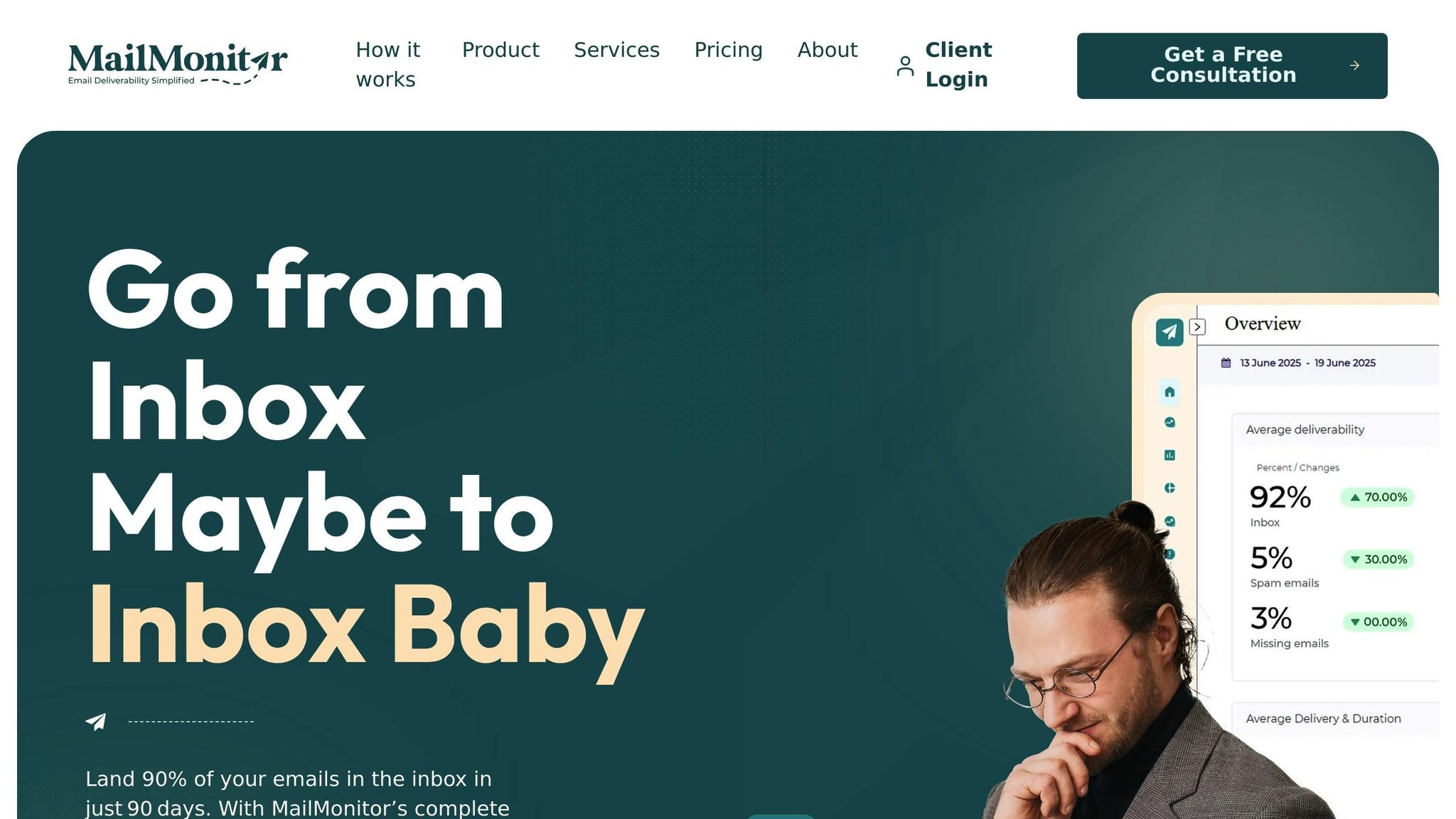
MailMonitor makes sending emails easy. It mixes key tools for checking who you are and keeping a good name with a way that’s easy to use. By making tech setups simple and always tracking how you do, it helps make sure your emails get to the right spots – your people’s inboxes.
MailMonitor Tools That Help With Email Lists
A key tool is inbox placement testing, showing how big names like Gmail, Outlook, and Yahoo deal with your emails. It tells if your emails go to the inbox, spam, or ads, giving you a clear view of how your emails are doing.
MailMonitor’s reputation monitoring watches over your name and IP with care. With quick alerts, you know right away if there’s a problem, letting you fix it before it hurts your good name.
The service also backs DMARC authentication, helping your email rules match the best ways to stay on good lists.
To keep your email list top-notch, the email verification tool checks if your contacts are real and active, protecting your name and keeping you on good lists.
Plus, ISP monitoring gives specific tips, helping you see and use ways to do better with your emails.
More Info and Help from Experts
MailMonitor is not just about tools; it offers deep reports that turn your email data into steps to get better inbox results.
With the seed testing tool, you can try your campaigns with real emails from big providers before sending them out. This early testing helps find and fix sending problems fast.
For those who want more help, MailMonitor gives managed services like regular advice, taking off blocklists, and setting up DMARC. Their team deals with the tech parts of keeping your name safe, so you can focus on your main work.
The service also has deliverability audits, finding specific things – like errors in proving who you are – that might be slowing down your email results.
MailMonitor Plans and Prices
MailMonitor has three flexible plans to fit different business needs, each filled with tools to boost sending success and help with white listing.
- Basic Plan
Comes with key tools like inbox placement tests, reputation tracking, and email checks. Great for small businesses, it also gives a bit of seed testing each month to help you start. - Professional Plan
Adds more on top of the Basic with things like DMARC support, ISP tracking, and alerts you can set. This choice is great for growing companies that send often and want more detail on how they’re doing. - Enterprise Plan
Made for big companies, this plan gives unlimited seed testing, full expert help, and first-line support, including blocklist help. It suits places with big and complex email needs and many domains.
Every plan comes with MailMonitor’s main tracking tools and tips to help you send better and keep a good sender name.
End Thought: How Using Third-Party Whitelisting Aids Inbox Arrival
Third-party whitelisting makes email handlers trust you by putting your group on their OK list. This trust lets your emails skip the spam traps and go straight into people’s inboxes, which means better reads, better links with customers, and more successful efforts. Keeping in touch with your people is key to growing your business, and whitelisting plays a big part in this.
A strong sending name comes from setting up DMARC, SPF, and DKIM right. These checks tell email handlers that your emails are safe. You need to watch this often – it helps find troubles fast before they can mess up your reach.
MailMonitor makes this easy with its all-in-one setup and watching service. Its tools let you test how well your emails do in big places like Gmail and Outlook and watch your good name to warn you of any issues. With things like seed tests, email checks, and ISP watching, you get a full view of how your emails do. Whether you pick the Basic Plan with the key tools or the Enterprise Plan with non-stop tests and extra help, MailMonitor helps you keep strong email arrival rates.
FAQs
How can I make my sender score better, and how do third-party lists help my emails get to inboxes?
If your sender score is low, you need to fix your email ways. Start with cleaning your email lists – take off those who don’t talk back or who are wrong, and stay away from spam traps. Also, be sure your emails use right checks like SPF, DKIM, and DMARC. These steps tell email hosts that your notes are real and safe.
You might also think about using third-party lists to get your domain or email on good sender lists. This can make your emails go into the main inbox, not lost in spam or other spots. As time goes on, these steps can fix your sender score and help your emails go through well.

