

ISP feedback loops (FBLs) are tools email senders use to monitor spam complaints and improve email deliverability. When a recipient marks an email as spam, ISPs notify senders through FBLs, helping them address issues quickly. Here’s why this matters:
- Protect sender reputation: High spam complaints (above 0.1%) can lead to emails being blocked or sent to spam folders.
- Improve email campaigns: Analyze FBL data to identify problematic content or audience segments.
- Automate complaint handling: Tools like MailMonitor streamline FBL management, reducing errors and improving response times.
To use FBLs effectively, ensure your email domain is authenticated (SPF, DKIM, DMARC) and register with major ISPs. Automate complaint processing to suppress flagged addresses within 15 minutes. Regular audits and careful data analysis can help reduce complaints and boost inbox placement rates.
Setting Up and Managing ISP Feedback Loops
Requirements for Using ISP Feedback Loops
To use ISP feedback loops (FBLs), you need to have SPF, DKIM, and DMARC in place. These authentication protocols confirm your identity as a legitimate sender, which helps Internet Service Providers (ISPs) trust your email traffic. Additionally, you’ll need to register your sending IP and domain with each ISP to receive FBL data. It’s also crucial to set up a dedicated abuse complaint email address like [email protected]. This address must be actively monitored to handle FBL reports.
Keep in mind that without proper authentication, most ISPs will reject your FBL registration request.
How to Register with ISPs
Each ISP has its own process for FBL registration, particularly for email marketers in the U.S. For example, Microsoft’s Smart Network Data Services (SNDS) and Yahoo’s FBL require you to verify your domain, register your IP, authenticate with DKIM, and provide an active abuse contact address. These registrations usually take around 3–5 business days, though some ISPs may have additional steps, especially for high-volume senders.
Here’s a quick comparison of the registration requirements for major ISPs:
| ISP | Registration Portal | Key Requirements | Processing Time |
|---|---|---|---|
| Microsoft | Smart Network Data Services (SNDS) | Domain verification, IP registration, abuse contact | 3–5 business days |
| Yahoo | Yahoo FBL Portal | DKIM authentication, domain verification, abuse address | 3–7 business days |
| AOL | Similar to Yahoo process | Authentication protocols, registration form | 5–7 business days |
Once you’ve completed the registration, it’s important to set up automated systems for managing your FBL data.
Best Practices for FBL Management
Automating your FBL processing is key to staying on top of complaint management. Set up systems to automatically handle incoming complaint reports, log the data, and immediately suppress complainants from your mailing lists. Organizing your FBL reports in a database can help you link complaint data to specific campaigns or audience segments. This lets you spot patterns – like which types of emails generate the most complaints – and create real-time alerts for spikes in complaints.
Regular audits of your FBL system are equally important. Check that your abuse email address is receiving reports, confirm that automated suppression is working as intended, and review your authentication protocols monthly. These audits can reveal issues that might hurt your sender reputation. Aim to process complaints and update suppression lists within 15 minutes to maintain a positive reputation with ISPs [1].
Using Feedback Loop Data to Monitor Spam Complaints
Understanding FBL Report Data
Feedback Loop (FBL) reports provide critical insights for monitoring spam complaints. These reports include email headers, timestamps, and anonymized recipient data. Here’s what each element tells you:
- Email headers: These reveal which campaign triggered the complaint, including details like the subject line, sender information, and message ID.
- Timestamps: These indicate when the complaint occurred, helping you pinpoint specific send times or campaigns linked to the issue.
- Anonymized recipient data: While protecting user privacy, this allows you to spot complaint patterns without identifying individual recipients[1][4].
It’s important to note that FBL reports generally exclude the email body to safeguard recipient privacy. To investigate complaints, you’ll need to match the header information to your campaign database. This can help you identify the content that may have caused the issue.
Different providers handle FBL data uniquely. For instance, Gmail’s Postmaster Tools give you overall spam metrics but no individual complaint details, whereas Yahoo and Microsoft provide more detailed anonymized complaint data[1]. Use these insights to quickly address and resolve problems in your campaigns.
By focusing on these data points, you can uncover trends and make adjustments to improve future email performance.
Analyzing Feedback Data
To get the most out of your feedback data, centralize your complaint tracking. Log every complaint, link it to the corresponding campaign, and store all the data in one place. This approach makes it easier to detect patterns and recurring issues[1].
You can group complaints by various factors – campaign type, subscriber segment, send time, content, or even geography. For instance, you might find that promotional emails sent on Monday mornings receive more complaints than educational emails sent midweek. This kind of analysis helps you address the root causes of complaints, rather than just managing the symptoms.
Automating alerts for unusual complaint spikes is another essential step. These alerts ensure you can act quickly, preventing further harm to your sender reputation. Without swift action, problems can escalate, potentially leading to emails being blocked or filtered into spam folders.
Key Metrics to Track
Once you’ve organized and analyzed your complaint data, it’s time to focus on the metrics that matter most for email deliverability.
- Spam complaint rate: This is the most critical metric. Keep your rate below 0.1%, meaning no more than 1 complaint per 1,000 emails sent[1][6]. Exceeding this threshold can damage your sender reputation and result in email blocks or spam filtering.
- Inbox Placement Rate (IPR): Aim for an IPR above 95%, ensuring most of your emails reach recipients’ inboxes[1].
- Response time to complaints: Address complaints within 15 minutes, update suppression lists within 1 hour, and notify relevant team members within 4 hours. Quick responses are key to maintaining deliverability[1].
To stay ahead of potential issues, set up complaint rate alerts at different thresholds:
| Alert Level | Complaint Rate | Action Required |
|---|---|---|
| Review | Above 0.02% | Monitor closely and review recent campaigns. |
| Warning | Above 0.05% | Investigate immediately and pause similar campaigns. |
| Critical | Above 0.1% | Stop sending, conduct a full audit, and contact ISPs. |
In addition to complaint rates, monitoring daily sending volume and engagement metrics like open rates and click-through rates provides valuable context. A sudden rise in complaints paired with low engagement often signals problems with content or targeting that require immediate attention.
Marketers who actively track deliverability and inbox placement report 22% higher success rates[5]. This underscores the importance of consistently monitoring these metrics, rather than waiting for issues to arise. By staying proactive, you can protect your sender reputation and boost the effectiveness of your email campaigns.
What Are ISP Feedback Loops (FBLs)? – TheEmailToolbox.com
sbb-itb-eece389
Strategies to Improve Deliverability Using Feedback Loop Data
Feedback loop data provides valuable insights that can guide strategies to boost email deliverability. Here’s how to put that data to work.
How to Reduce Spam Complaints
One of the quickest ways to reduce spam complaints is to immediately remove recipients who mark your emails as spam. This simple action can cut complaint rates by up to 50% and protect your sender reputation[1][2][3]. When someone flags your email as spam, it’s a clear signal they don’t want your messages – respect that promptly.
Another effective approach is audience segmentation. By grouping recipients based on their engagement levels, preferences, and behavior, you can send more relevant content. For example, you can create separate campaigns for highly engaged users, occasional openers, and those who haven’t interacted with your emails for a while. Tailoring your messages to these distinct groups ensures that each recipient gets content they’re more likely to appreciate.
Content quality is also key. Every email should deliver value, be clear, and feel personalized. If your feedback loop data highlights spikes in complaints from certain campaigns, dig deeper to identify the cause. Was the subject line misleading? Did the content miss the mark for that audience? Use these insights to fine-tune your messaging.
Finally, keep your mailing lists clean by removing inactive or unengaged subscribers. These users are more likely to mark your emails as spam, so regular list maintenance can help maintain low complaint rates and a more engaged audience.
Setting Up Complaint Rate Alerts
Set up automated alerts to notify your team when spam complaint rates exceed 0.1% (1 complaint per 1,000 emails)[1][7]. These alerts should be configured to trigger within 15 minutes of detecting an issue, giving you the chance to act quickly before Internet Service Providers (ISPs) start blocking or filtering your emails. Industry standards recommend reviewing complaint rates daily to stay on top of deliverability concerns.
To streamline this process, establish a dedicated email address (e.g., [email protected]) for receiving complaint reports. Combine this with automated tools that can instantly remove complainants from your lists and update your metrics. These systems not only help manage complaints but also ensure you’re addressing issues promptly and efficiently.
In addition to automated alerts, regular audits of your complaint data can provide deeper insights and help refine your strategies over time.
Regular Campaign Audits
Monthly audits of your campaigns, guided by feedback loop data, are essential for maintaining effective deliverability practices. During these audits, review key metrics such as complaint rates, open rates, click-through rates, and unsubscribe rates. Look for patterns or trends that can inform your future campaigns.
As part of these reviews, evaluate your audience segmentation strategies. If a campaign has a high complaint rate, consider whether the message was sent to the right audience. Even the best content can backfire if it’s sent to the wrong group.
Training your team regularly on feedback loop processes is another valuable step. Ensure they know how to interpret complaint data, respond to alerts, and conduct thorough audits[1][4]. This knowledge equips them to address issues quickly and effectively.
Document your audit findings and create actionable plans. For instance, if emails sent at a certain time generate more complaints, adjust your sending schedule. Similarly, if specific subject line styles lead to complaints, update your content guidelines. These small, consistent adjustments can significantly improve your deliverability over time.
Staying compliant with industry standards is another reason to conduct regular audits. As ISPs update their filtering algorithms and complaint thresholds, strategies that worked in the past may no longer be effective. Consistent monitoring ensures your email program adapts to these changes, safeguarding its long-term success.
How MailMonitor Improves Feedback Loop Management
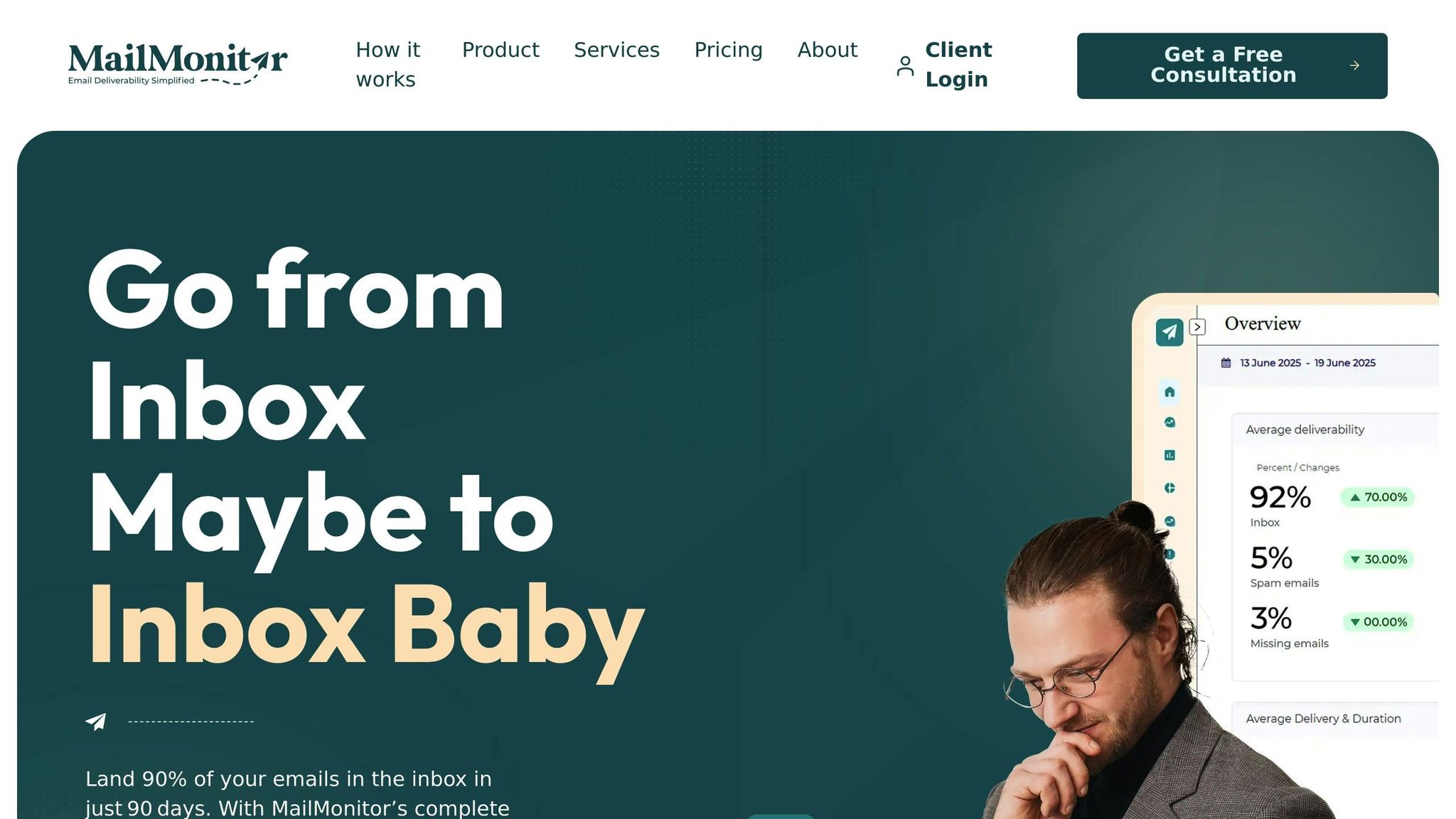
Handling feedback loops manually can quickly become a daunting task, especially when juggling multiple ISPs and high email volumes. MailMonitor simplifies this process by turning it into an automated system that delivers actionable results for businesses across the United States.
MailMonitor Features for FBL Management
MailMonitor takes the guesswork out of managing feedback loops by automating key tasks. It collects reports from major ISPs, flags impacted recipients, and ensures they’re either suppressed or removed from future mailings. This automation minimizes manual intervention and reduces errors [3].
The platform also consolidates sender reputation metrics from various ISPs into a single, easy-to-read dashboard. Metrics like complaint rates, bounce rates, and inbox placement are tracked, helping you identify trends and pinpoint issues. For instance, sudden spikes in complaints can reveal problematic campaigns or list segments. To stay ahead of potential problems, MailMonitor allows users to set custom complaint rate thresholds for each ISP or campaign. When these thresholds are reached, real-time alerts – via email, SMS, or dashboard notifications – prompt immediate action [5].
Another standout feature is MailMonitor’s inbox placement testing. This tool simulates how emails are delivered across different ISPs and mailbox providers, showing whether messages land in the inbox, spam folder, or promotions tab. By combining this data with FBL insights, MailMonitor gives businesses a clear picture of their deliverability health, helping to link complaint spikes to placement issues [5].
Adding MailMonitor to Your Workflow
MailMonitor integrates smoothly with your existing systems, connecting directly with ISPs and email service providers to automate feedback loop processing from day one.
Once integrated, the platform significantly reduces the chance of human error while improving response times to spam complaints. Its insights help maintain a strong sender reputation, increase inbox placement rates, and lower the risk of ISP blocks or blacklisting [3].
For added support, MailMonitor offers access to deliverability experts who help diagnose and resolve spam-related issues. Their guidance ensures your feedback loop management aligns with best practices, keeping your email campaigns compliant with US deliverability standards.
Benefits for US-Based Businesses
Businesses across the United States have seen impressive deliverability improvements with MailMonitor. The platform boasts a 90% inbox placement rate within just 90 days for its clients, significantly boosting email visibility and engagement. Having managed over 30 billion emails, MailMonitor has proven its value in optimizing email performance.
Take Fusion HCS, for example. They achieved a 90% inbox placement rate improvement, while HubXchange saved $271,000 by addressing deliverability challenges:
"MailMonitor helps us identify and fix our spam issues. It’s like having a deliverability expert on our team." – Dan Westenskow, CEO, Fusion HCS
"MailMonitor’s software is easy enough to understand for a beginner… but what sets them apart is their hands-on support to maximize our deliverability." – Nathan Merryfield, Director of Marketing, HubXchange
Using ISP Feedback Loops for Better Deliverability
ISP feedback loops (FBLs) are like having a direct hotline to major email providers. They allow you to turn spam complaints into actionable insights that can help improve your email deliverability.
Key Points to Keep in Mind
Once you’ve mastered the basics of FBL setup and data analysis, the next step is to ensure everything is configured correctly. This involves registering your sending IP addresses with major ISPs, creating a dedicated feedback loop email address (e.g., [email protected]), and setting up automated systems to process complaints efficiently [1]. The real challenge lies in how quickly and effectively you act on the feedback you receive.
Keeping a close eye on your complaint rates is essential for maintaining a good sender reputation. ISPs use these rates to assess whether your emails are welcome in recipients’ inboxes. Aiming for a spam complaint rate below the acceptable threshold can improve your inbox placement and reduce the chances of being flagged as spam [1].
Acting swiftly on feedback data is critical. When you receive a complaint report, remove that recipient from future mailings immediately and dig into the patterns behind the complaints. For instance, a U.S.-based retailer noticed a spike in spam complaints after a holiday campaign. By analyzing their feedback loop data, they pinpointed a problematic segment of their email list. After removing those addresses and tweaking their content strategy, they saw a drop in complaints and a 10% improvement in inbox placement for future campaigns [1][2].
Regular maintenance is also key. Conduct quarterly audits to review your registration status, complaint handling processes, alert systems, and any corrective actions you’ve implemented [1]. These audits can help you catch small issues before they grow into major deliverability problems.
Next Steps
To integrate FBL practices into your routine, start by identifying the ISPs most frequently used by your subscribers and registering for their feedback loop programs. Set up a dedicated feedback loop email address and configure automated systems to handle complaints within 15 minutes [1].
Implement alerts at specific thresholds – such as 0.02%, 0.05%, and 0.1% – to signal when immediate action is needed [1]. These alerts act as early warning systems, helping you address potential problems before they escalate.
For a smoother process, consider using a tool like MailMonitor to manage your feedback loops. MailMonitor automates complex tasks while offering actionable insights to help you maintain strong inbox placement rates. With the heavy lifting taken care of, you can focus on creating engaging content that minimizes complaints and maximizes reader engagement.
FAQs
How can I set up ISP feedback loops to monitor spam complaints and improve email deliverability?
Setting up ISP feedback loops is an important part of managing spam complaints and safeguarding your sender reputation. These feedback loops (FBLs) notify you whenever a recipient marks your email as spam, providing crucial insights to help you tweak your campaigns and boost email deliverability.
Here’s how to get started: First, determine which ISPs support FBLs – providers like Gmail, Yahoo, and Microsoft are common examples. Next, register your sending domain or IP address with each ISP’s feedback loop program. Each ISP has its own set of instructions, so be sure to follow their specific guidelines. Once you’re registered, you’ll begin receiving complaint data. This data can help you spot problematic campaigns, clean up your email lists, and fine-tune your content strategy.
Regularly reviewing and acting on FBL data is key to keeping your sender reputation intact. It ensures your emails are more likely to reach inboxes instead of getting flagged as spam.
How can feedback loop data help improve my email marketing strategy?
Feedback loop data is a valuable resource for keeping an eye on spam complaints from your email recipients. By digging into this data, you can uncover patterns that might damage your sender reputation. For example, it can help you identify issues like poorly crafted email content or targeting an audience that’s not a good fit. Once you spot these problems, you can make necessary adjustments to improve your email deliverability.
Tools like MailMonitor make this process even easier. They let you track your email performance in real-time, keep tabs on reputation metrics, and ensure your emails land in inboxes rather than spam folders. By staying proactive, you can protect your sender reputation and get better results from your email marketing efforts.
How can I reduce spam complaints and improve email deliverability?
To keep your spam complaint rate low and improve inbox placement, focus on building a solid sender reputation. Start by using ISP feedback loops to track spam complaints and pinpoint any campaigns or practices that might be causing issues. It’s also crucial to regularly clean your email list, ensuring you’re only contacting recipients who are actively engaged. On top of that, make your emails count – personalize your content and ensure your messages are relevant, timely, and offer real value to your audience.
For a deeper dive into optimizing your email strategy, tools like MailMonitor can be a game-changer. They offer insights into inbox placement, reputation tracking, and deliverability management, helping you refine your approach and keep your emails out of the spam folder.

