
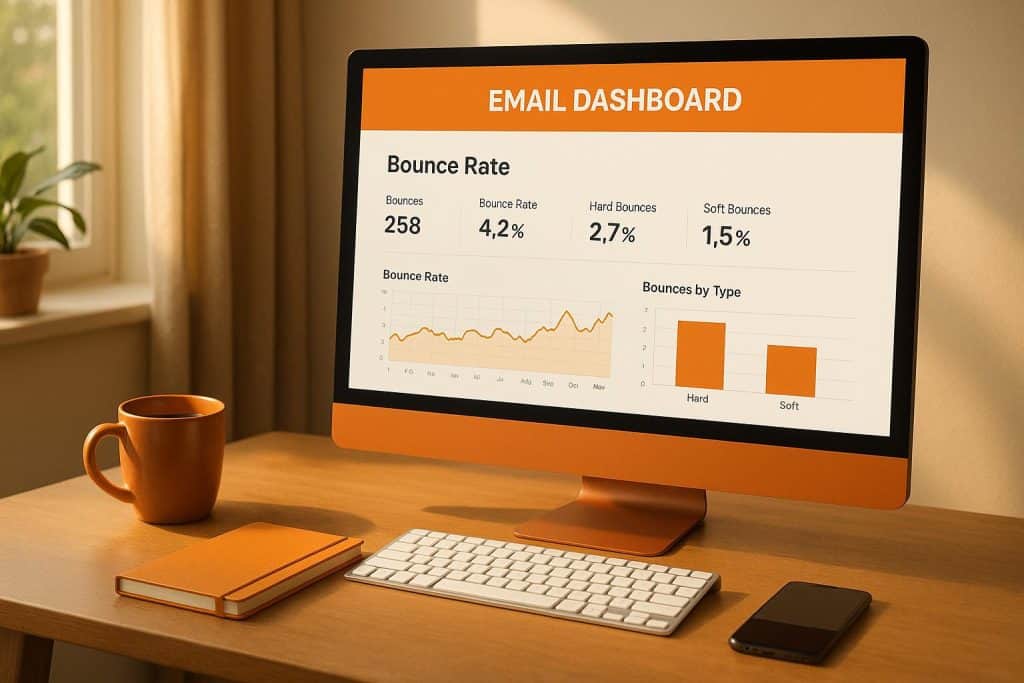
Email bounce rates are a key metric for email marketing success. A high bounce rate indicates that emails aren’t reaching recipients, which can harm your sender reputation and reduce deliverability. Here’s what you need to know:
- What is Bounce Rate? The percentage of emails that fail to reach recipients. Formula:
(Bounced Emails / Total Sent Emails) × 100. - Types of Bounces:
- Hard Bounces: Permanent issues (e.g., invalid email addresses).
- Soft Bounces: Temporary issues (e.g., full inboxes, server errors).
- Healthy Rates: Aim for a bounce rate under 2%. Over 5% signals serious problems.
- Common Causes: Poor list quality, outdated email addresses, or technical setup errors (e.g., incorrect SPF/DKIM/DMARC configurations).
- Solutions:
- Regularly clean and verify email lists.
- Set up proper email authentication.
- Monitor sender reputation and address issues promptly.
Keeping bounce rates low protects your sender reputation and ensures better email deliverability. Below, we dive deeper into causes, impacts, and actionable ways to manage bounce rates effectively.
Why Your Emails Keep Bouncing | How to BOUNCE-PROOF Your Emails & Get Them in Real Inboxes
Types of Email Bounces
Understanding email bounces is key to maintaining a strong sender reputation. Each type of bounce points to a different issue, and knowing how to address them can save you from bigger problems down the line.
Hard Bounces vs. Soft Bounces
Hard bounces are permanent delivery failures. These happen when emails hit obstacles like invalid email addresses, non-existent domains, or servers that outright block delivery. Since these issues won’t resolve, it’s crucial to remove these addresses from your list immediately.
Soft bounces, however, are temporary setbacks. They occur for reasons like full inboxes, server downtime, or emails that exceed size limits. Unlike hard bounces, soft bounces often resolve on their own, and the email might still get delivered later.
Here’s a quick breakdown:
| Bounce Type | Issue Duration | Common Causes | Action Required |
|---|---|---|---|
| Hard Bounce | Permanent | Invalid address, non-existent domain, blocking | Remove address immediately |
| Soft Bounce | Temporary | Full mailbox, server downtime, large email size | Monitor and retry |
For hard bounces, quick action is non-negotiable – cleaning your list is a must. Soft bounces, on the other hand, require patience and monitoring, as they often resolve without intervention.
How Bounces Affect Deliverability
Both hard and soft bounces can harm your sender reputation, but hard bounces are far more damaging. Continuing to send emails to addresses that hard bounce signals poor list management to email providers, which can severely hurt your deliverability.
Email service providers closely track bounce patterns. For soft bounces, a rate below 2% is considered healthy, while anything over 5% signals potential trouble. Experts recommend keeping your overall bounce rate under 2% to maintain strong deliverability.
Repeated soft bounces can also become a problem. If an address continues to soft bounce after multiple attempts, treat it like a hard bounce and remove it from your active list. Ignoring these issues can lead to bigger consequences, like triggering spam filters or having your emails blocked entirely.
Your strategy should match the bounce type:
- Hard bounces: Remove these addresses immediately to protect your reputation.
- Soft bounces: Monitor closely and retry. If the issue persists, consider removing the address.
In many cases, soft bounces clear up naturally when inboxes are emptied or servers recover. However, staying proactive about bounce management is essential to avoid long-term damage.
Next, we’ll dive into actionable steps to lower your bounce rates.
Common Causes of High Bounce Rates
High bounce rates can stem from a variety of issues, ranging from poor list management to technical missteps. Pinpointing these causes is essential for marketers aiming to maintain strong email performance and avoid delivery problems.
Poor Email List Quality
One of the primary reasons for high bounce rates is outdated or poorly maintained email lists. When your list includes invalid addresses, non-existent domains, or inactive accounts, your emails simply have nowhere to land. This not only leads to delivery failures but can also harm your sender reputation over time.
In fact, email lists can decay at a rate of 25.74% annually. This means that nearly a quarter of your subscribers may become unreachable each year as people change or abandon their email addresses. Without consistent upkeep, your list can quickly become a liability.
Another major issue comes from purchased email lists. These lists are often riddled with spam traps, invalid emails, and contacts who never agreed to receive your messages. Sending to such addresses increases the likelihood of penalties from email providers, further damaging your sender reputation.
“A really high bounce rate can ruin your sender reputation. Then your emails will be flagged as spam, which is obviously horrible, or even blocked, which is even worse.”
– Nicolas Palumbo, Marketing Director, Diversity Employment
Inactive subscribers also play a role. These are email accounts that were once valid but have since been abandoned or deactivated. Initially, these may cause soft bounces, but over time, they can turn into hard bounces once email providers deactivate the dormant accounts.
While list quality is a significant factor, technical issues can also lead to increased bounce rates.
Technical Setup Problems
Technical misconfigurations, such as improper SPF, DKIM, or DMARC setups, are another common cause of high bounce rates. When these authentication protocols aren’t correctly implemented, recipient servers may reject your emails as a security measure, leading to hard bounces.
“If your domain is not properly authenticated, the recipient’s server may reject your email as a security precaution, resulting in a hard bounce.”
– Verifalia.com
Other technical issues include DNS configuration errors and server-related problems. Temporary outages, overloaded servers, or connectivity issues can all trigger bounces. Additionally, misconfigured sending domains, return paths, or authentication records can confuse recipient servers, making it harder for your emails to pass through.
Here’s a quick breakdown of common error codes and their meanings:
| Error Code | Type | Description |
|---|---|---|
| 421 | Soft Bounce | Service not available; temporary server problem |
| 450 | Soft Bounce | Mailbox unavailable due to server load |
| 550 | Hard Bounce | User’s mailbox unavailable; invalid email address or disabled account |
| 553 | Hard Bounce | Invalid email address; typos or incorrect formatting |
| 554 | Hard Bounce | Transaction failed; message rejected for security reasons |
Sender Reputation Issues
Your sender reputation is another critical factor influencing bounce rates. Poor sending practices, such as emailing unengaged subscribers or ignoring bounce patterns, can lead to blacklisting and widespread delivery failures.
Spam-like content is another red flag. Emails containing suspicious links, poorly formatted HTML, or text that mimics spam patterns are often filtered out by recipient servers. Even if the email address is valid, the message may still be rejected.
Considering that spam makes up nearly 47% of global email traffic, maintaining a positive sender reputation is more important than ever. Inconsistent sending habits, like sudden spikes in volume or irregular schedules, can also raise concerns with email providers.
“A bounce rate above 2 percent is concerning, and over 5 percent is problematic. Reduce it by using verified lists, authenticating domain records (SPF, DKIM, DMARC), and cleaning invalid addresses to avoid landing in junk boxes.”
– Christy Saia-Owenby, Founder and CEO, MOXY Company
How to Reduce Email Bounce Rates
Lowering email bounce rates requires a mix of smart list management, technical precision, and constant oversight. By tackling both immediate fixes and long-term strategies, you can improve your email deliverability and maintain a strong sender reputation.
Clean and Verify Email Lists
Keeping your email list clean is one of the most effective ways to reduce bounce rates. Email lists naturally degrade over time – about 22% of addresses become invalid each year, with 3% going bad every month. To address this, regular updates and maintenance are crucial.
Start by removing hard bounces immediately. These addresses are permanently invalid and can harm your sender reputation. For soft bounces, monitor them closely and remove addresses that repeatedly bounce over a period of 1–3 months. Don’t forget to eliminate duplicate entries and run re-engagement campaigns for inactive subscribers. Some companies even unsubscribe users who don’t respond to re-engagement emails.
Experts suggest keeping your bounce rate below 0.5%. However, 38.7% of senders rarely or never clean their email lists. To close this gap, consider a biannual list-cleaning schedule. Additionally, use double opt-in methods to confirm new subscribers and validate email addresses as they’re collected. And whatever you do, avoid buying email lists – they’re often riddled with spam traps and invalid addresses, which can tank your reputation.
Once your email list is in good shape, the next step is ensuring your technical setup is bulletproof.
Set Up Email Authentication
Email authentication protocols like SPF, DKIM, and DMARC are essential for verifying your identity and building trust with recipient servers.
- SPF (Sender Policy Framework): Specifies which IP addresses are authorized to send emails on behalf of your domain. Without SPF, your emails might be flagged as fraudulent.
- DKIM (DomainKeys Identified Mail): Adds a digital signature to your emails, ensuring they haven’t been tampered with during delivery.
- DMARC (Domain-based Message Authentication, Reporting, and Conformance): Tells recipient servers how to handle emails that fail SPF or DKIM checks and provides reports on unauthorized domain use.
Improperly configured authentication protocols can lead to hard bounces, as recipient servers may reject your emails for security reasons. While the setup process varies by email service provider, taking the time to configure these protocols correctly can significantly improve your deliverability. Tools like MailMonitor’s DMARC Authentication feature can make implementation and monitoring easier.
With authentication in place, the next focus should be on keeping a close eye on your sender reputation.
Track Sender Reputation
Think of your sender reputation as the credit score of email marketing – it directly affects how your emails are treated by recipient servers. Regularly monitor bounce rates, spam complaints, and engagement metrics to stay ahead of potential issues. While many email service providers offer basic tracking tools, specialized software can provide deeper insights into how your emails are being received.
Keep an eye out for sudden changes in bounce rates, as they can indicate emerging problems with your reputation. Maintaining consistent sending practices – like avoiding large, unexpected spikes in email volume and sticking to a regular schedule – can help protect your reputation over time.
Strong email hygiene and verification processes can have a big financial impact too. For example, they can generate up to $2 million in additional monthly email marketing revenue. Tools like MailMonitor’s Reputation Monitoring and Custom Alerts can act as an early warning system, helping you address issues before they escalate and ensuring your emails land where they’re supposed to.
sbb-itb-eece389
Tools and Methods for Managing Bounces
When it comes to managing email bounces effectively, combining strategic practices with the right tools is key. While proactive strategies help reduce bounce rates, tools designed for deliverability management can give you greater control. Good list hygiene and essential authentication protocols provide the groundwork, but robust monitoring systems are what help you spot and address bounce patterns before they escalate. Let’s dive into some proven practices and tools that can make a real difference.
Email Deliverability Best Practices
Successful email marketers rely on targeted techniques to keep bounces in check. One of the most effective strategies is segmenting your audience to boost engagement. Pair this with a double opt-in process when building your email list, which ensures only valid and interested subscribers make it into your database.
Adding a CAPTCHA to your signup forms is another smart move – it helps prevent bots from flooding your list with fake addresses. Additionally, periodically asking your subscribers to update their contact details keeps your list accurate and up-to-date. These steps not only reduce bounces but also improve your email campaigns‘ overall performance.
It’s worth noting that sending too many emails can backfire – 45.8% of email subscribers may mark emails as spam if they feel inundated. And the stakes are high: when your emails consistently reach inboxes, email marketing can deliver an impressive return of $42 for every $1 spent.
Maintaining a bounce rate of 2% or lower is critical for your sender reputation. Anything above this – and especially over 5% – can severely damage your credibility with email providers.
“A bounce rate above 2 percent is concerning, and over 5 percent is problematic. Reduce it by using verified lists, authenticating domain records (SPF, DKIM, DMARC), and cleaning invalid addresses to avoid landing in junk boxes.”
- Christy Saia-Owenby, Founder and CEO, MOXY Company
These best practices are even more effective when paired with specialized tools designed to streamline bounce management.
Using MailMonitor for Bounce Management
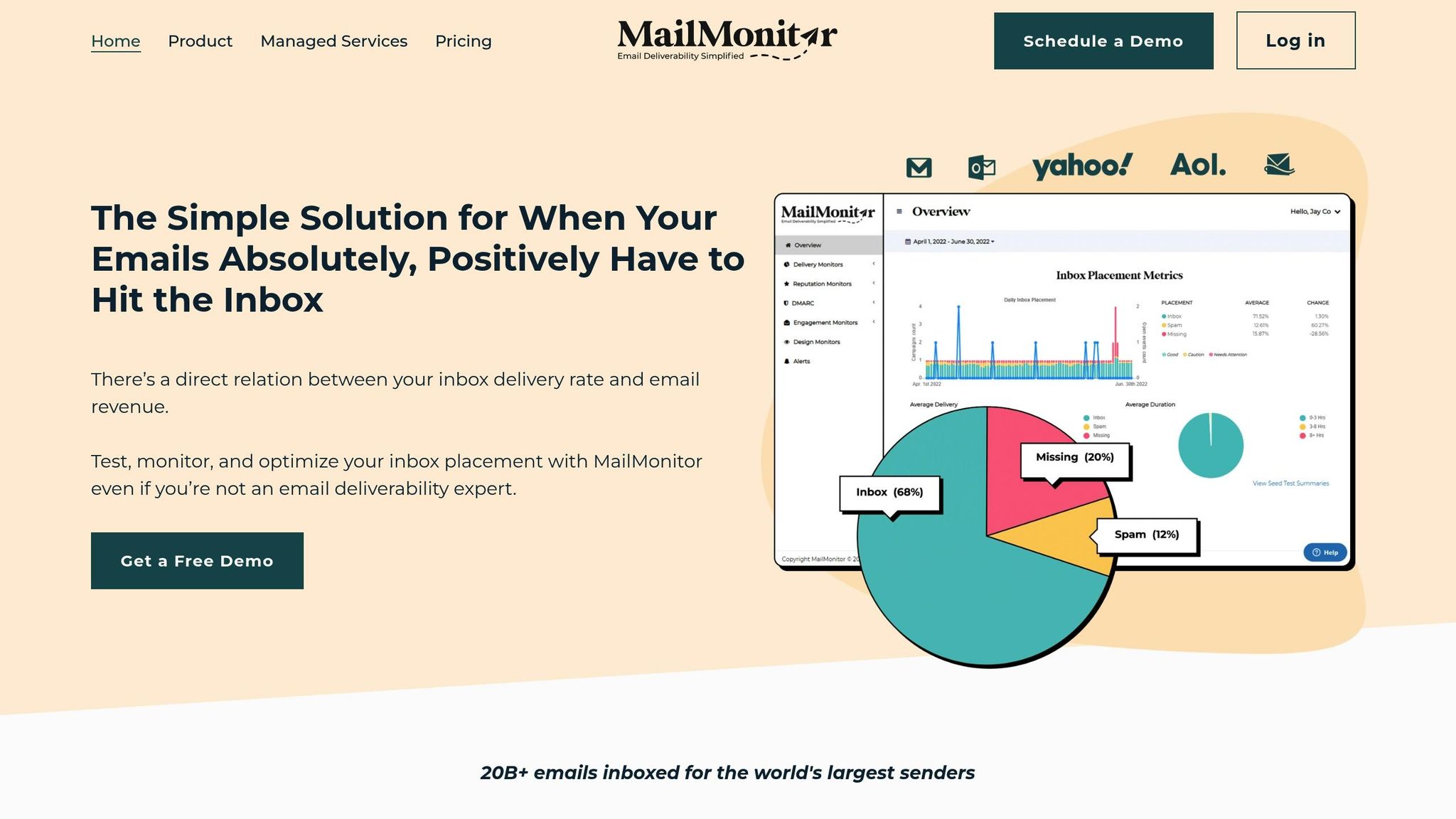
MailMonitor is a powerful platform that tackles bounces from multiple angles, making it a go-to solution for email marketers. Its Email Verification tool helps identify invalid or problematic addresses before they can harm your campaigns. Meanwhile, features like Reputation Monitoring and DMARC Authentication ensure your messages meet essential security standards, reducing the likelihood of hard bounces.
The platform also includes inbox placement testing, which uses a global network of over 400 seed accounts across 60 ISPs. This feature shows whether your emails are landing in inboxes, getting flagged as spam, or bouncing entirely. On top of that, MailMonitor’s Custom Alerts system notifies you immediately if bounce rates or other deliverability issues spike, giving you the chance to act fast and protect your sender reputation.
MailMonitor doesn’t stop there. It provides continuous monitoring of spam traps and blacklists, offering actionable insights to fine-tune your email strategy. For businesses facing persistent bounce issues, its managed services – like Blocklist Removal and List Optimization – offer hands-on support. With these tools and services, MailMonitor helps businesses maintain the industry-standard bounce rate of less than 2%, improving both deliverability and campaign outcomes.
Managing Email Bounce Rates for Better Results
Keeping email bounce rates in check requires a hands-on, consistent approach. With the industry average bounce rate sitting at 0.55%, there’s plenty of room to improve. To achieve strong deliverability – 95% or higher – you need to stay on top of your email program with regular assessments. This ongoing effort lays the groundwork for managing bounces effectively.
List maintenance is non-negotiable. Start by removing hard bounces right away and deactivating addresses after three consecutive soft bounces. Also, it’s a good idea to clean out inactive subscribers who haven’t engaged in months. By keeping your list up-to-date, you avoid outdated emails that could drag down your sender reputation.
Beyond that, fine-tuning your email content can further improve deliverability. Stick to a consistent schedule and focus on your most engaged subscribers first. This helps send positive signals to ISPs. Experiment with A/B testing for subject lines, formats, and send times to keep your emails fresh and relevant. And don’t forget to encourage subscribers to update their contact details regularly.
Tools like Google Postmaster Tools and Microsoft SNDS are great for staying on top of your sender reputation. Regularly checking these tools ensures your domain, IP, and authentication remain in good standing.
“If you’re sending to less engaged subscribers, keep the volume below 15% of your most engaged subscribers. This will help your reputation remain positive.” – Tonya Gordon, Manager of Deliverability and Compliance Strategy at Klaviyo
“Deliverability is a measure of the health of your email marketing program, so it’s important to do regular check-ups on your domain, IP, and authentication in particular to make sure you’re up-to-date, just like how we all go to the doctor each year.” – Carin Slater, Manager of Lifecycle Email Marketing at Litmus
Lastly, keep your spam complaint rate under 0.1% to maintain a good relationship with ISPs. Only send emails to people who’ve explicitly opted in, and always respect their preferences for content and frequency.
FAQs
How can I monitor and improve my sender reputation to boost email deliverability?
To keep your sender reputation in good standing, start by routinely checking your domain and IP reputation with tools specifically designed for this task. A clean email list is crucial – make it a habit to remove invalid or inactive addresses, as they can harm your reputation over time. Also, stick to consistent email-sending patterns and avoid sudden spikes in volume, as these can raise red flags with inbox providers.
Keep an eye on engagement metrics like open rates and click-through rates, and work to minimize spam complaints. It’s also critical to set up proper email authentication protocols, such as SPF, DKIM, and DMARC, to boost your credibility and secure email delivery. By staying vigilant and addressing these key areas, you’ll strengthen your sender reputation and improve your chances of landing in recipients’ inboxes.
What are the best practices for keeping your email list clean and reducing bounce rates?
Maintaining a clean email list is crucial if you want to reduce bounce rates and ensure your emails actually reach your audience. Here’s how you can keep your list in top shape:
- Remove inactive subscribers: Take time to identify subscribers who haven’t interacted with your emails for three months or more, and remove them from your list.
- Handle bounces promptly: Check for email bounces every two weeks. Hard bounces – addresses that can’t receive emails – should be removed immediately.
- Use double opt-in: Ask new subscribers to confirm their email addresses through a double opt-in process. This extra step ensures their information is accurate.
- Validate email entries: Use tools that catch typos or invalid email addresses, especially during manual or offline data entry.
- Simplify unsubscribing: Make it easy for users to opt out. A simple unsubscribe process helps prevent your emails from being flagged as spam.
By sticking to these practices, you’ll not only lower your bounce rates but also protect your sender reputation and boost your email campaign results.
What are SPF, DKIM, and DMARC, and how do they help reduce email bounce rates?
SPF, DKIM, and DMARC: Email Authentication Basics
SPF, DKIM, and DMARC are key email authentication protocols that work together to verify the legitimacy of emails. They help prevent spoofing, protect your domain’s reputation, and reduce bounce rates.
- SPF (Sender Policy Framework): This protocol allows domain owners to specify which mail servers are permitted to send emails on their behalf. By doing so, receiving servers can detect and block messages sent from unauthorized sources.
- DKIM (DomainKeys Identified Mail): DKIM uses a digital signature embedded in the email header to confirm that the message hasn’t been tampered with during transit. It ensures the integrity of the email content.
- DMARC (Domain-based Message Authentication, Reporting & Conformance): DMARC ties SPF and DKIM together by instructing receiving servers on how to handle emails that fail authentication checks. It can direct servers to reject, quarantine, or simply report these emails.
By implementing these protocols, you not only safeguard your email communications but also improve deliverability, ensuring your messages reach the intended inboxes without being flagged or blocked.

